KiiBOOM Phantom 64
 Continuing the Legacy of Aesthetics
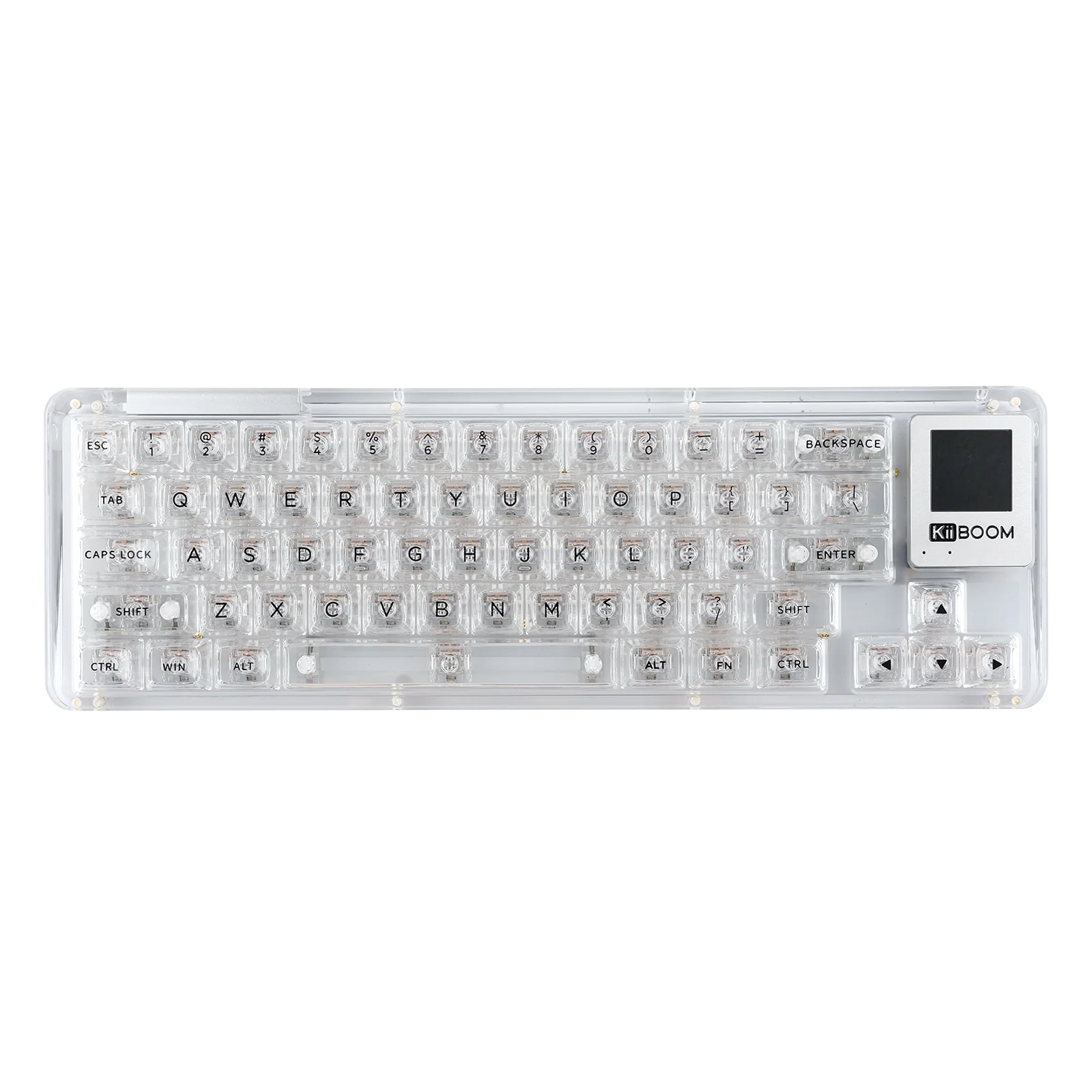
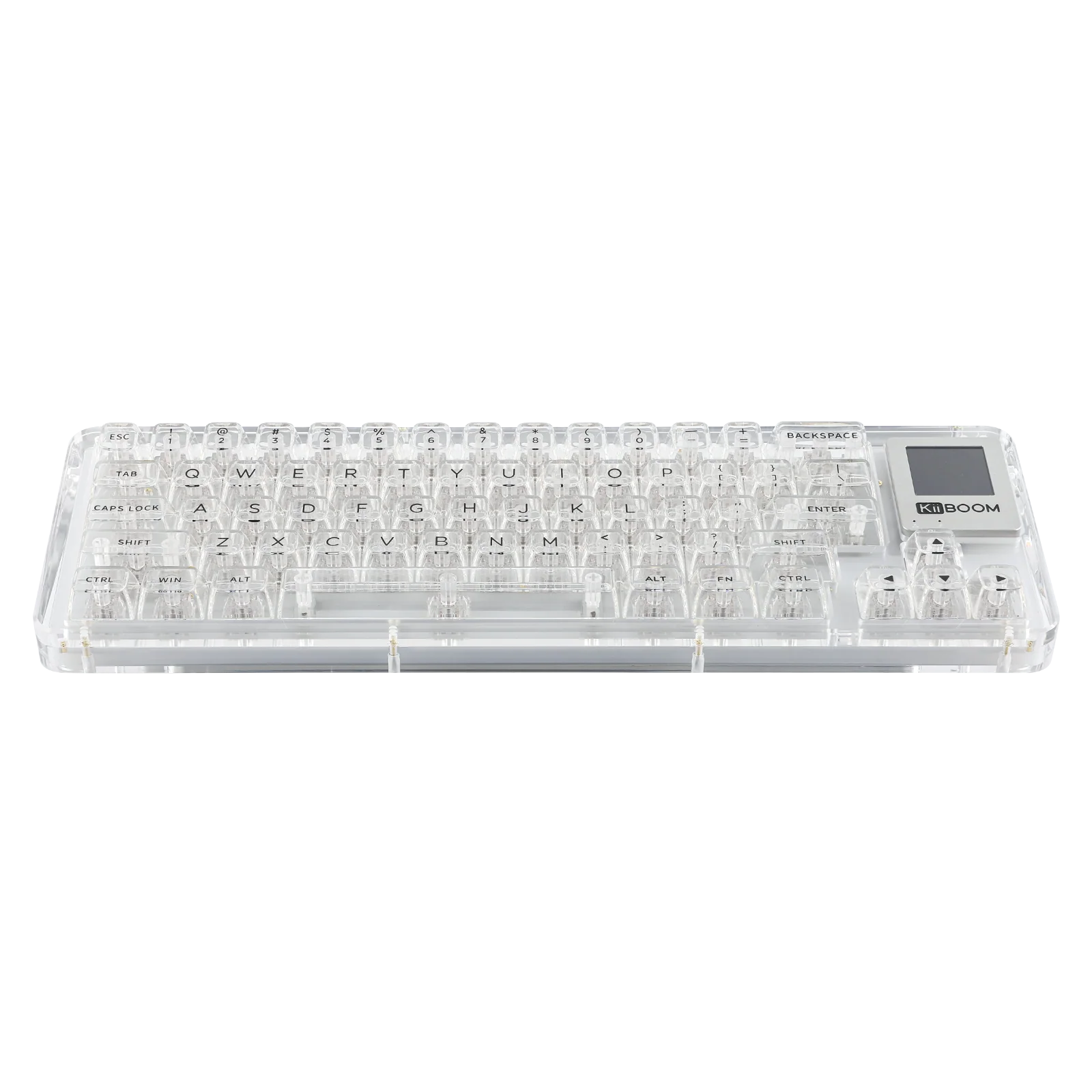
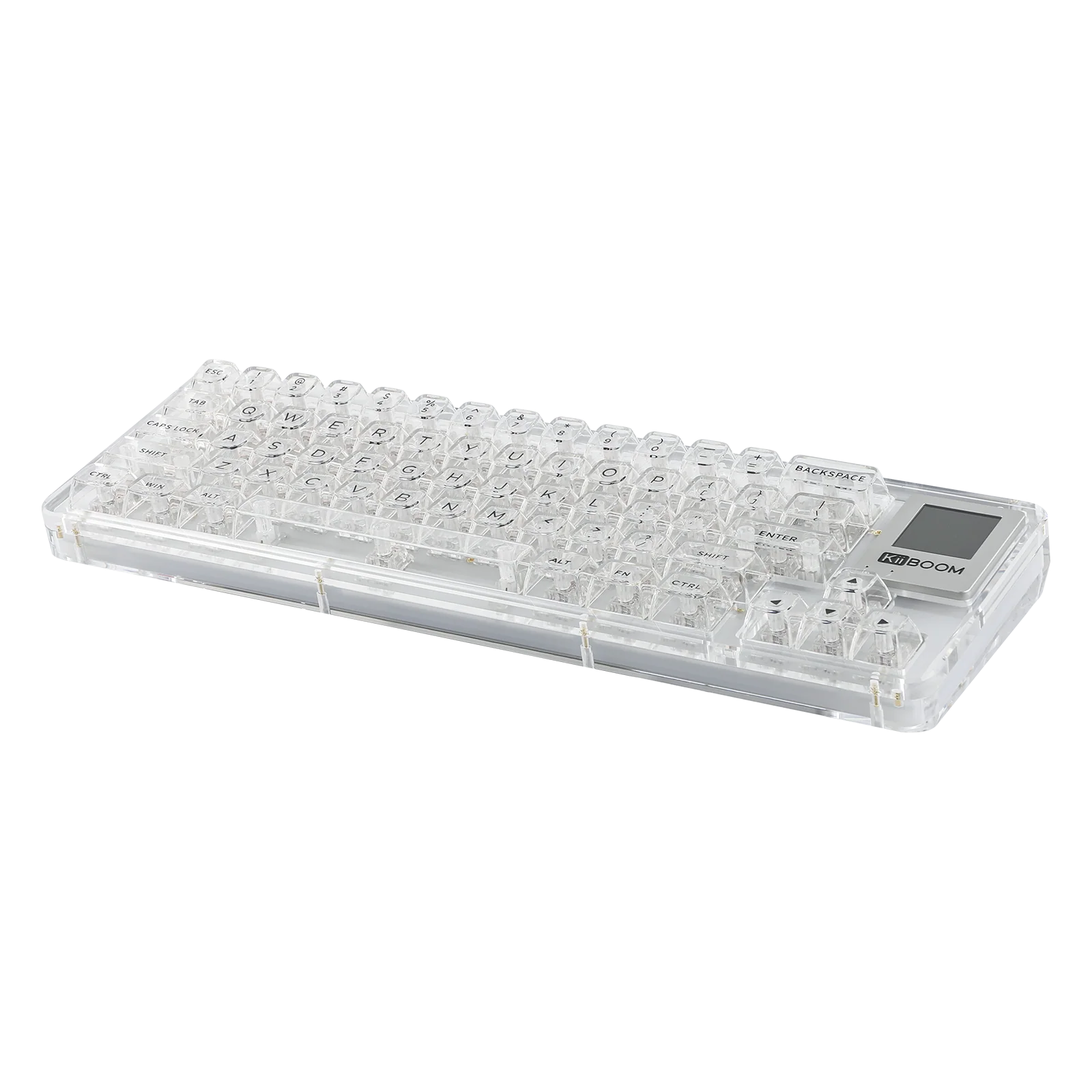
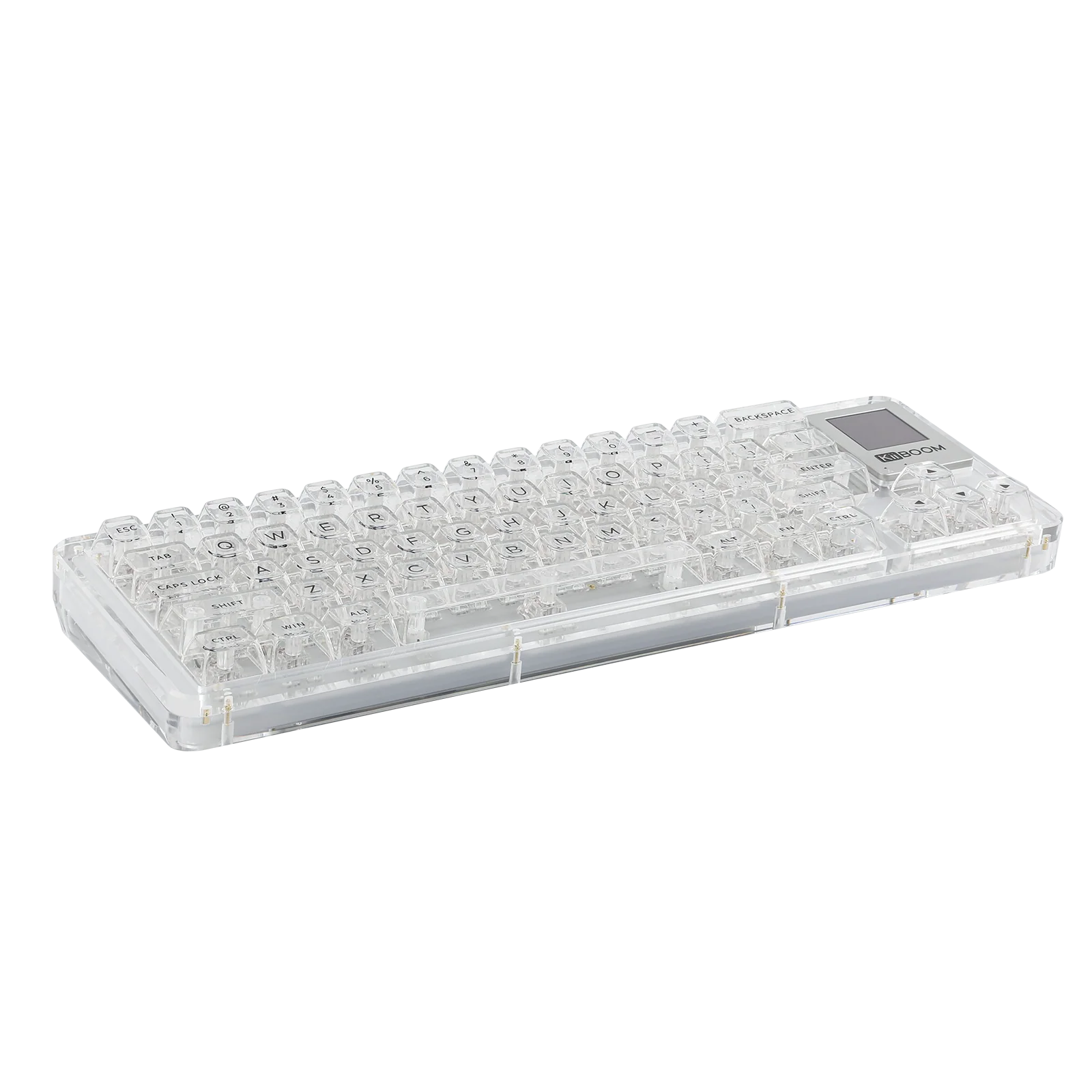
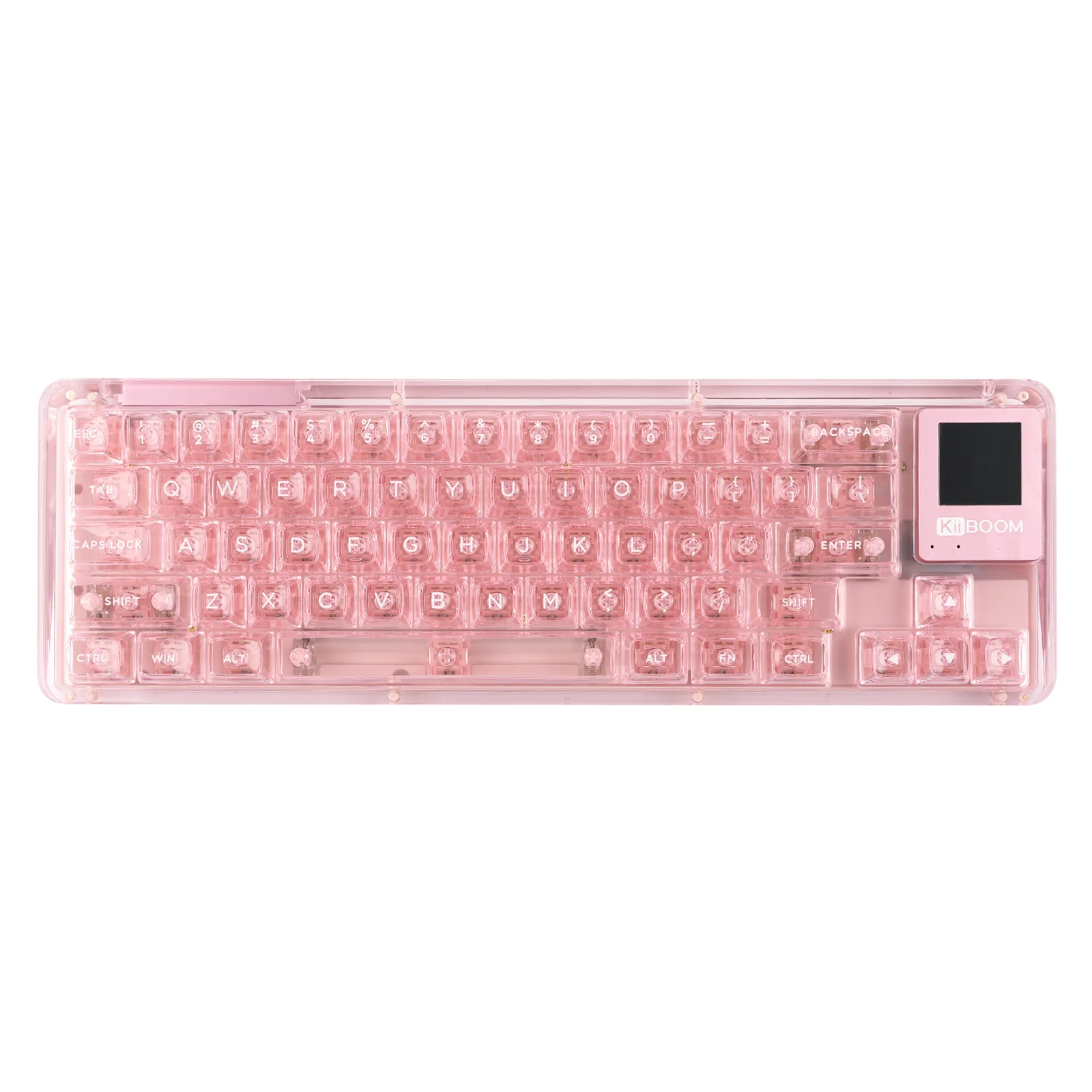
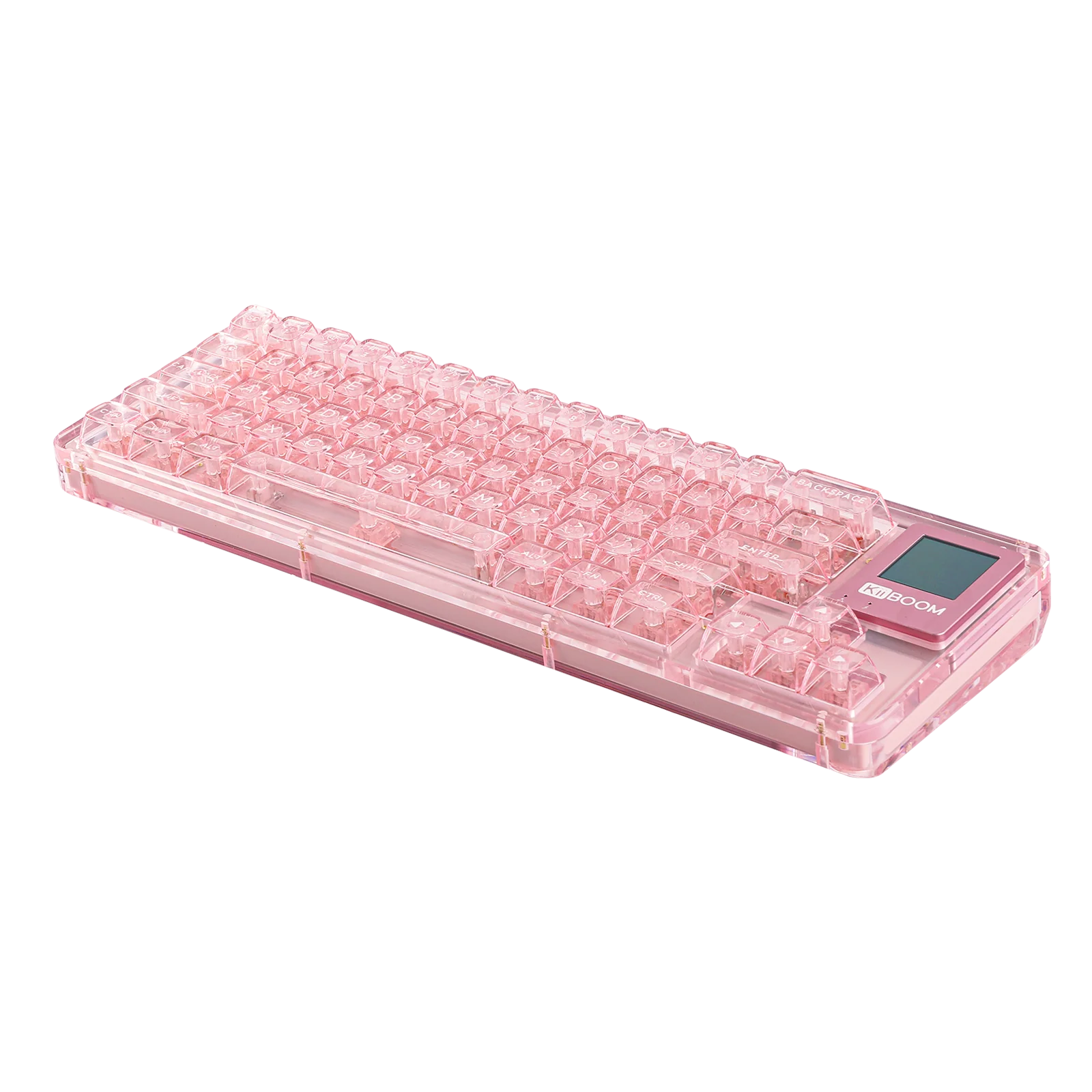
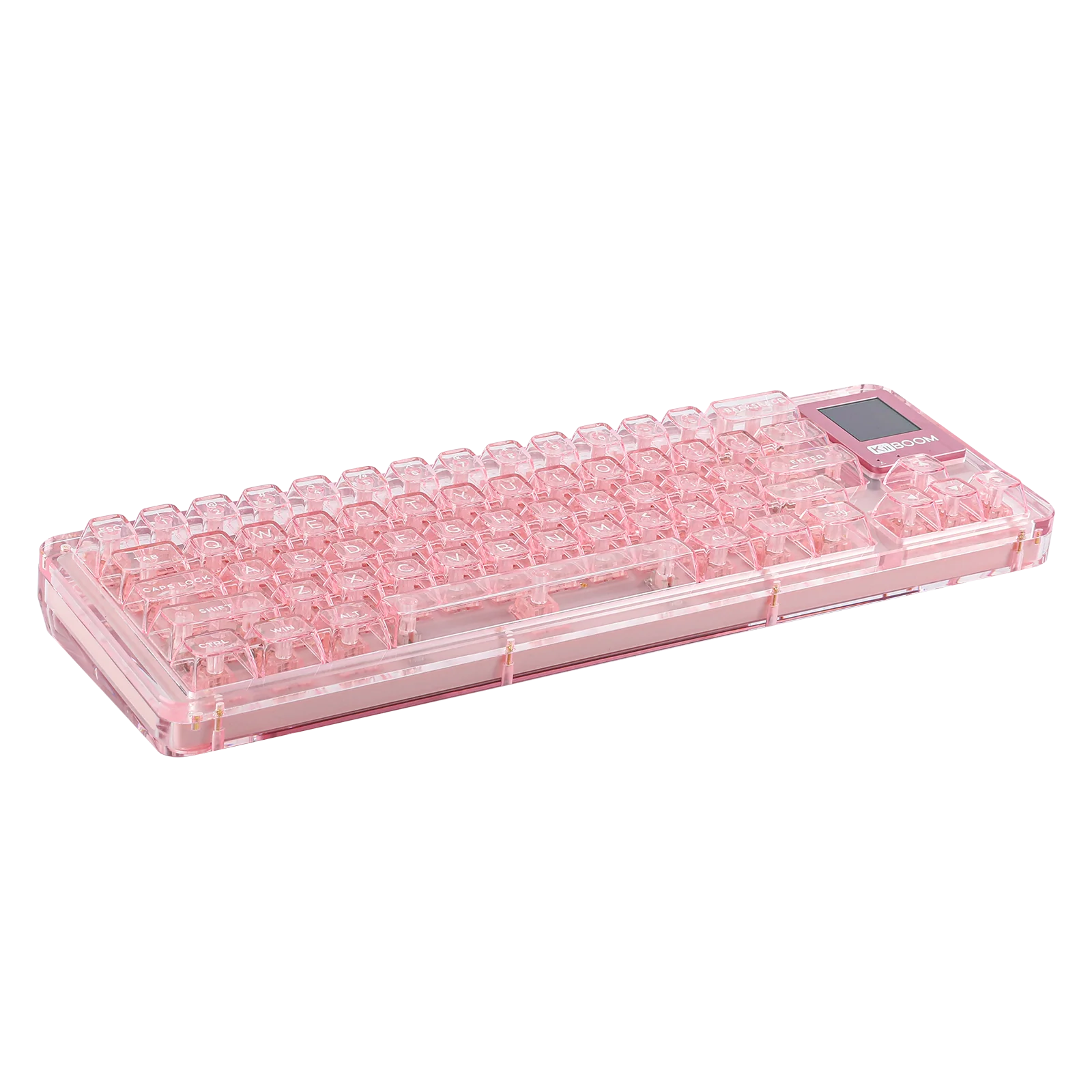
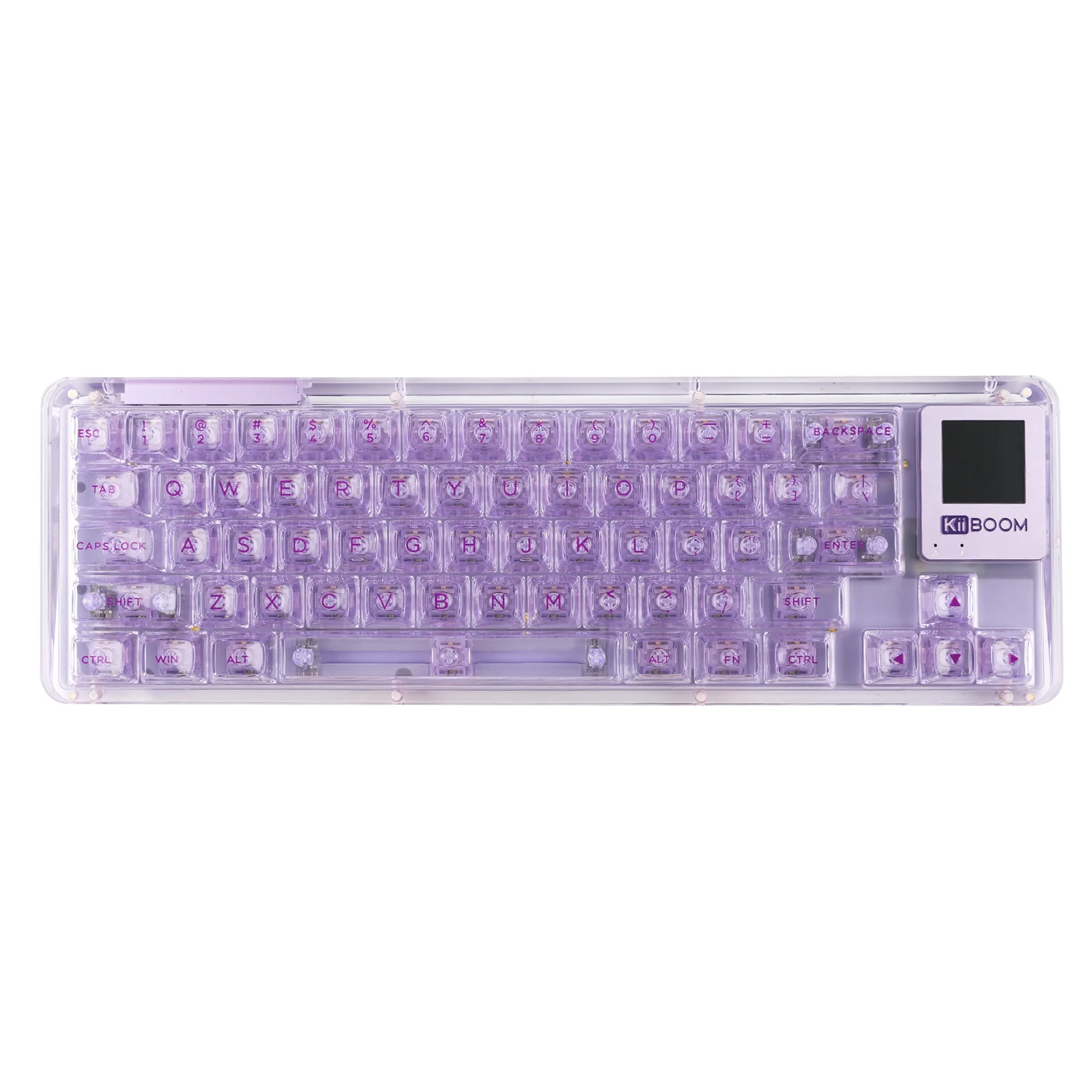
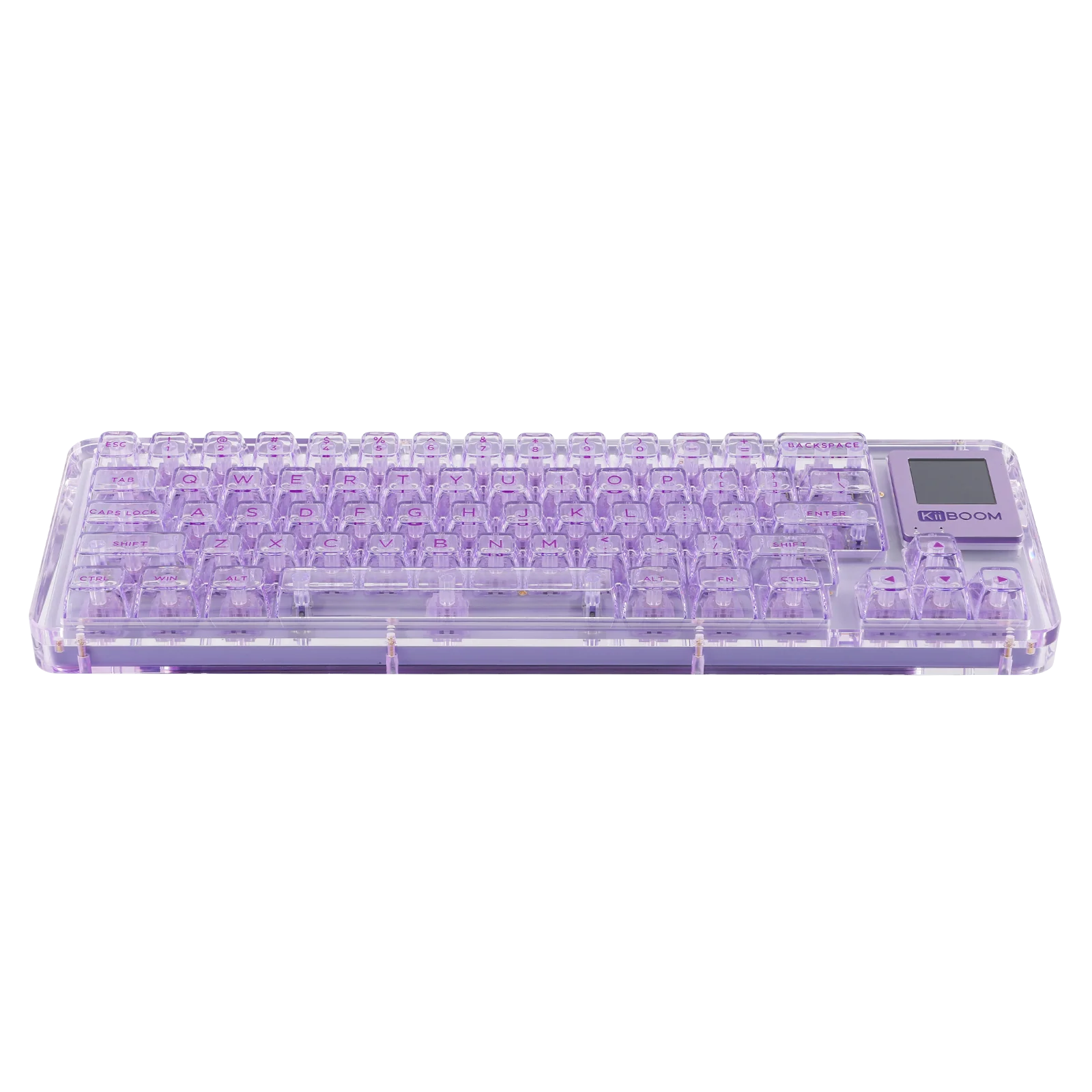
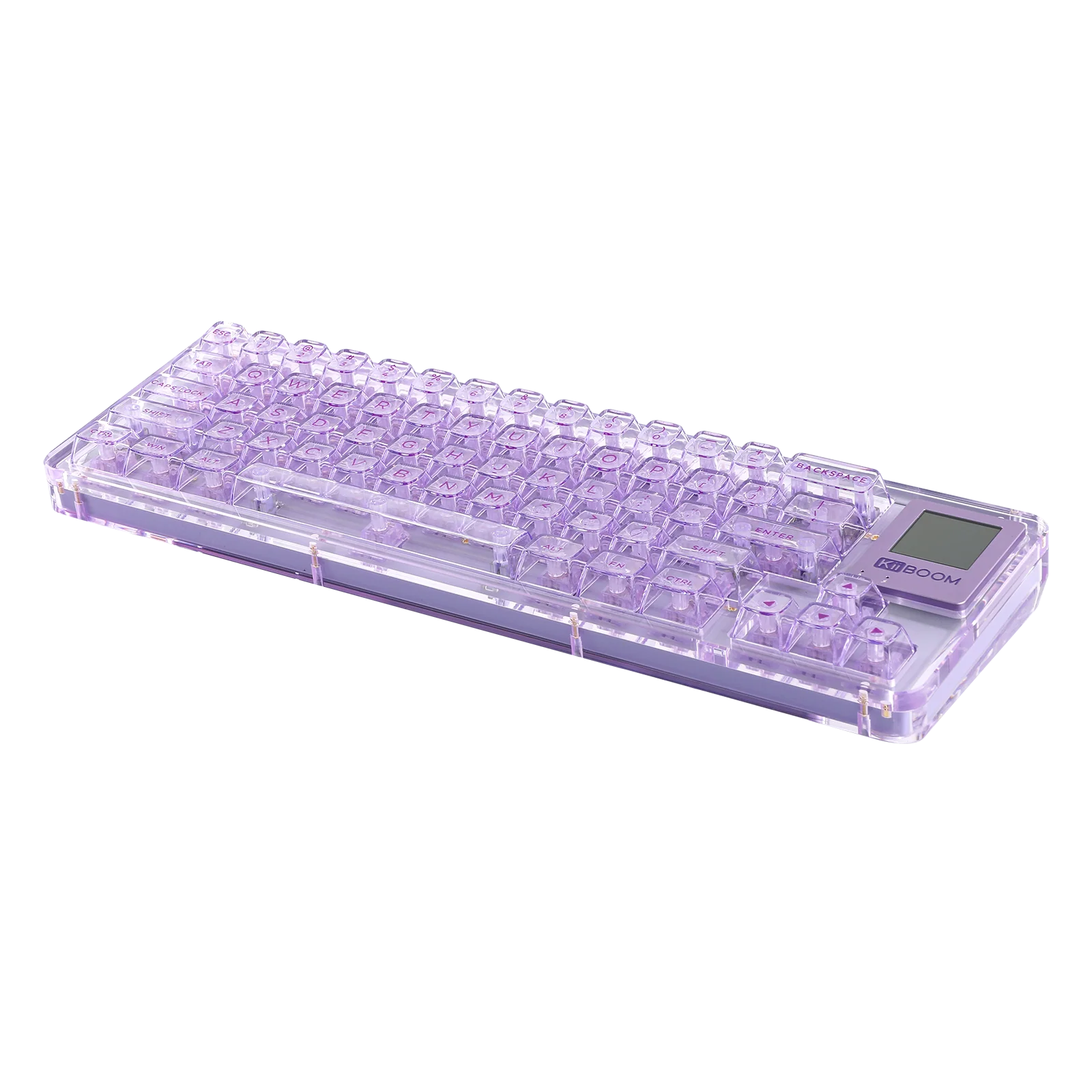
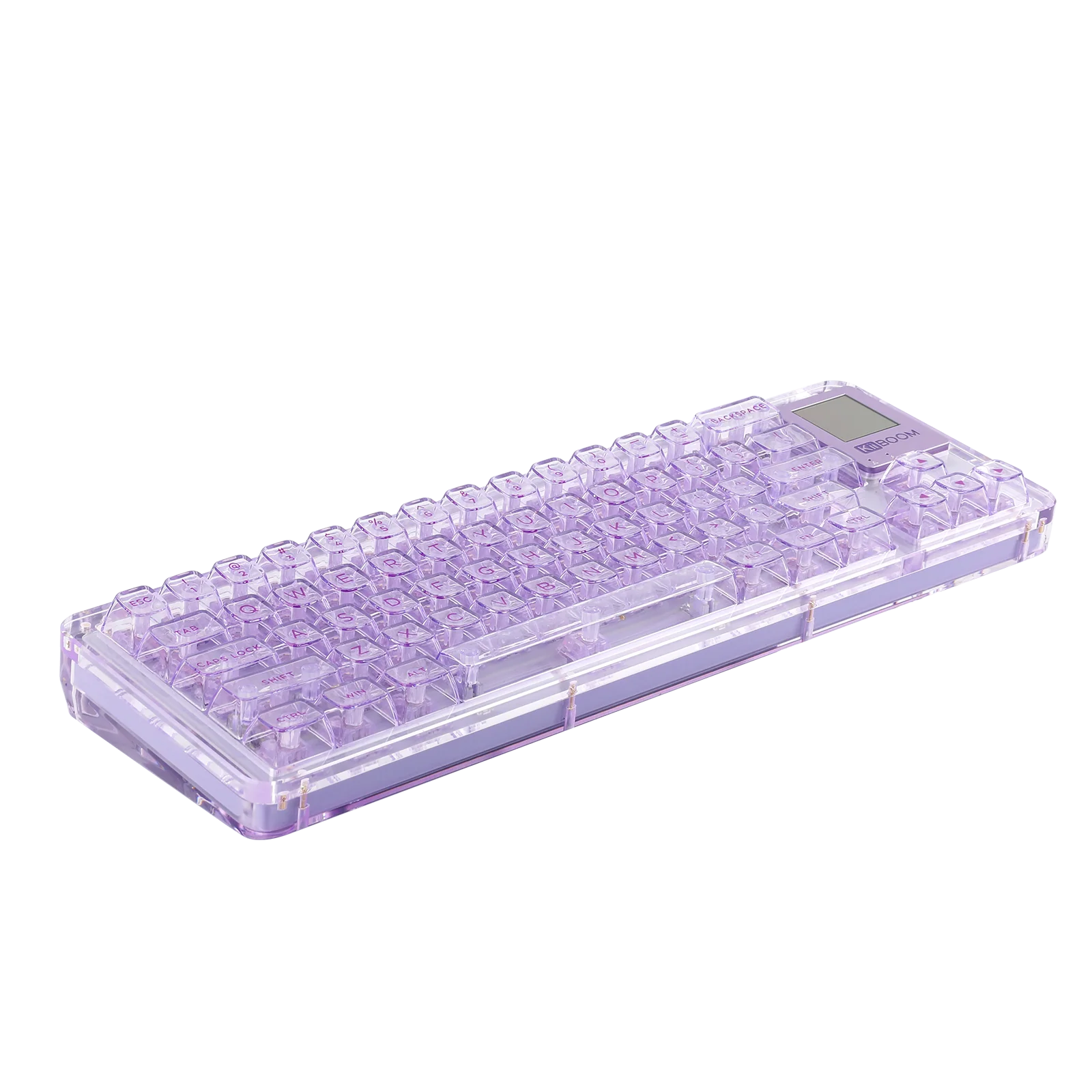
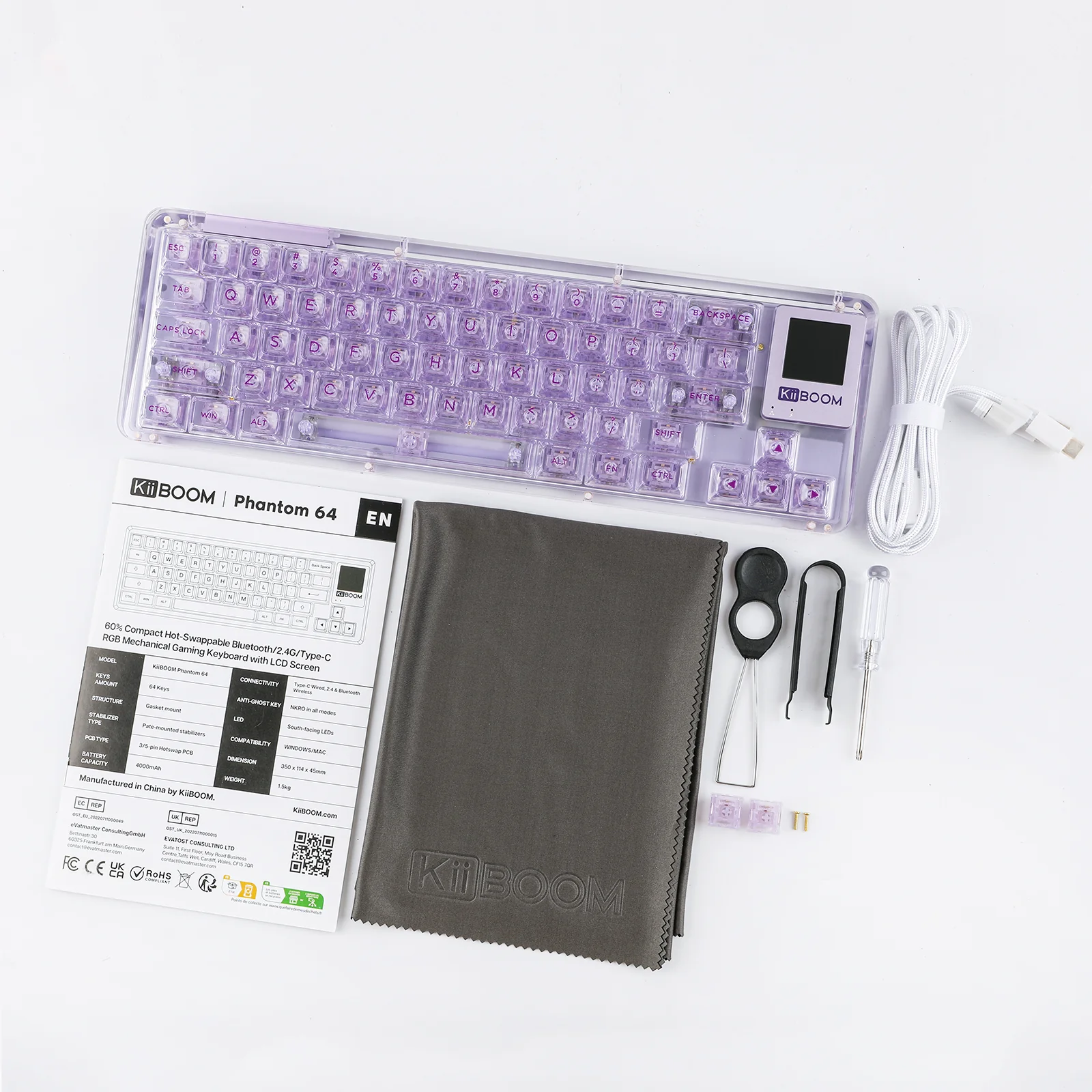
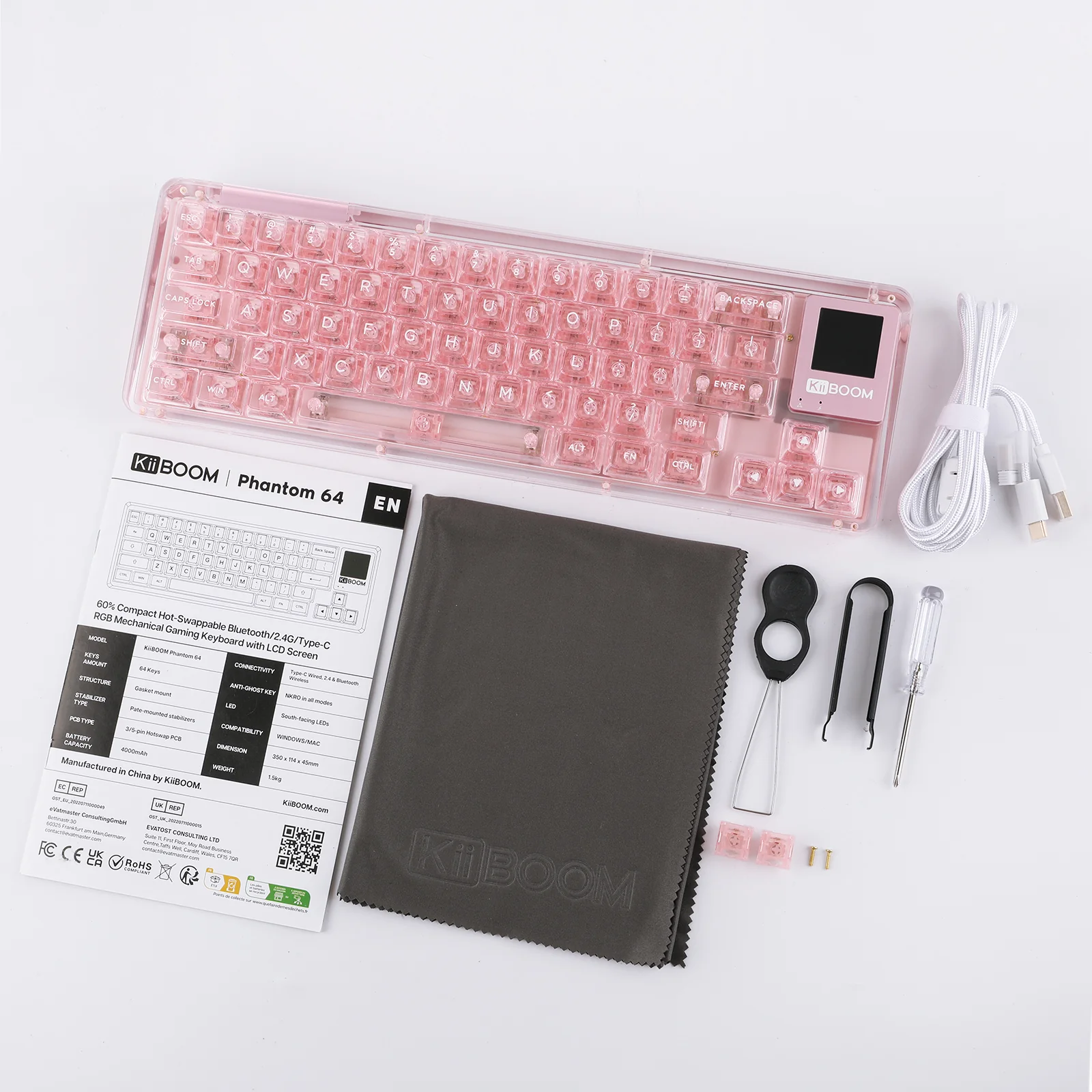
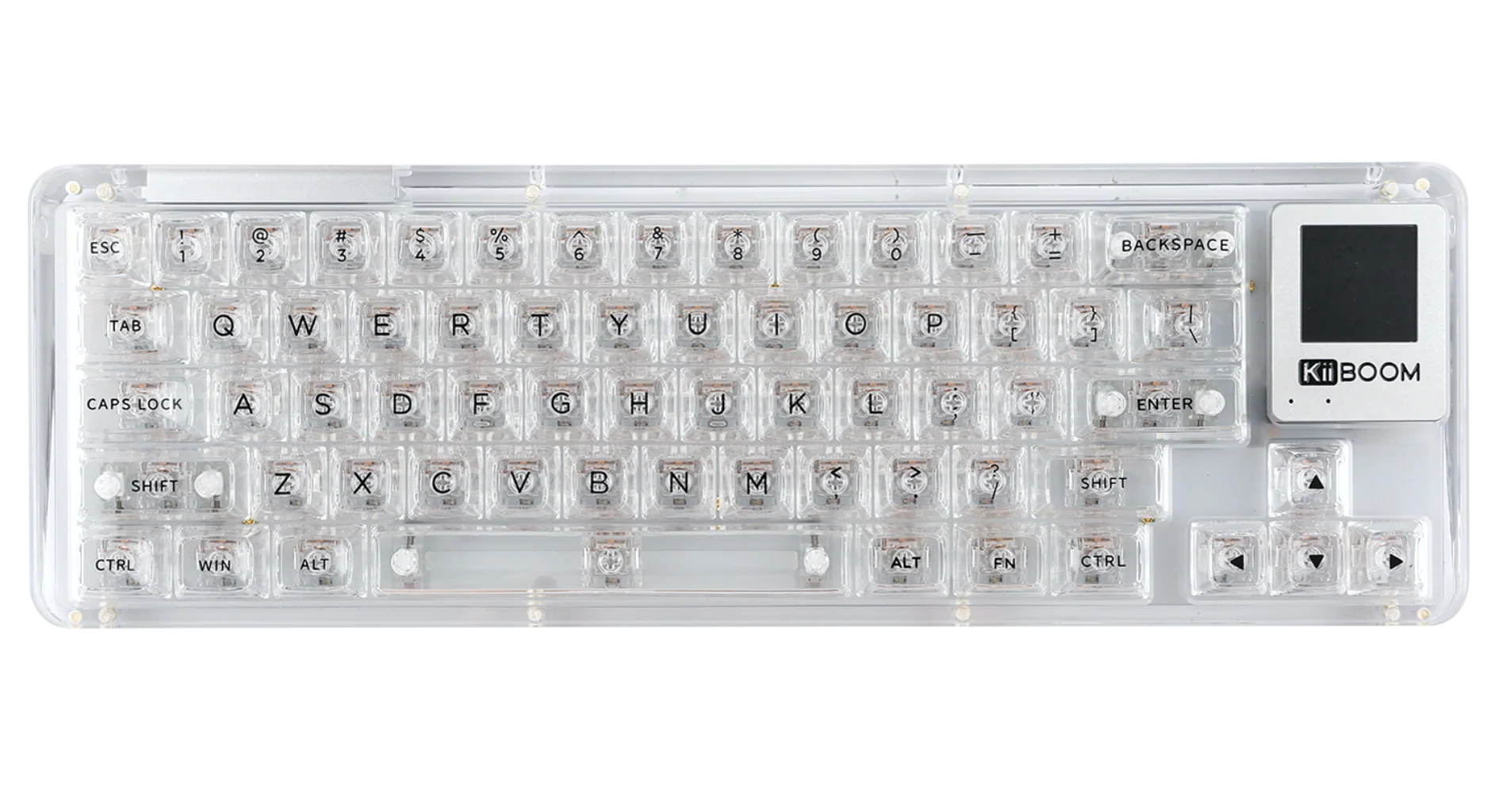
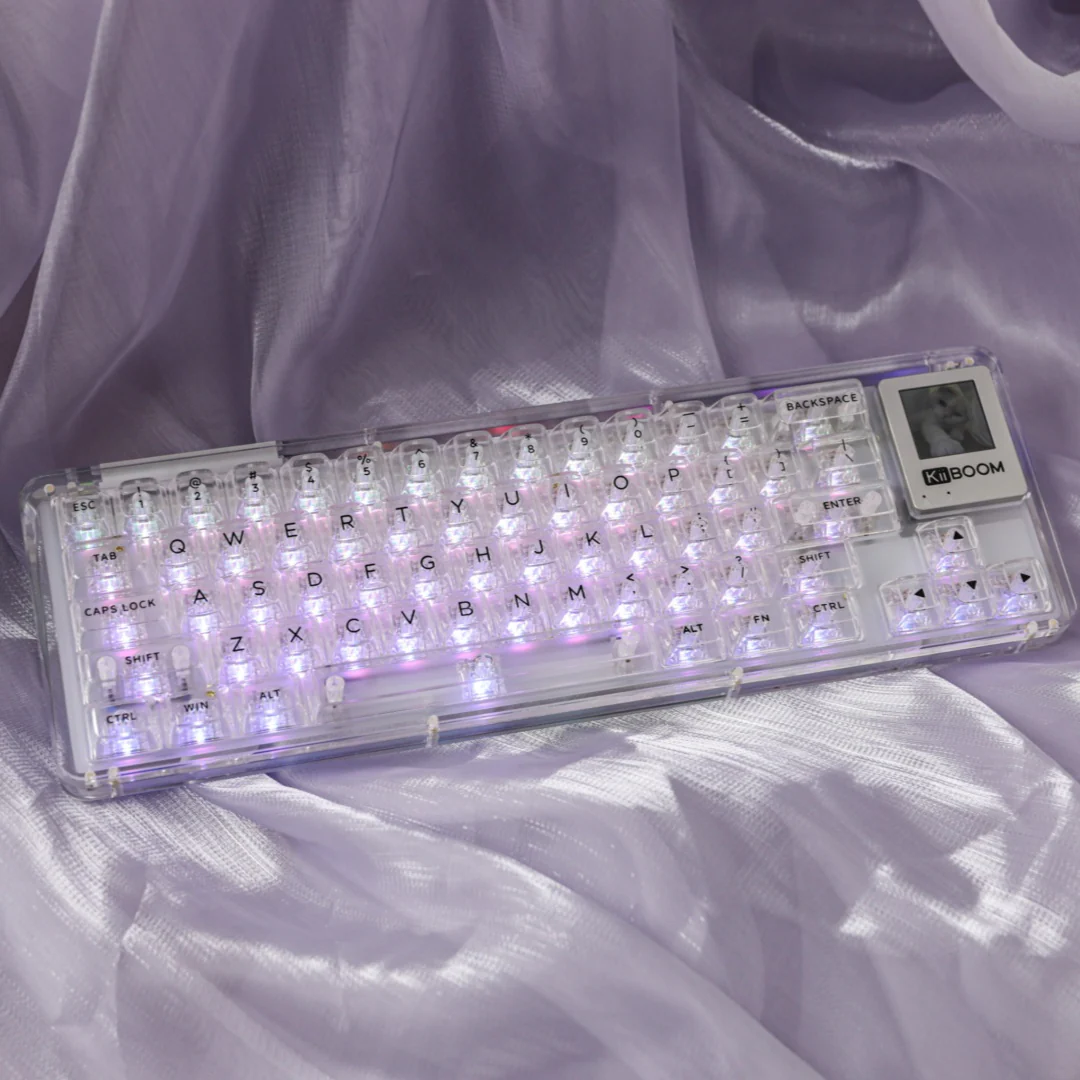
Building upon the legacy of the Kiiboom Phantom series, the KiiBOOM Phantom 64 transparent acrylic keyboard is a blend of style and performance, tailor-made for gamers, programmers, and creatives. This latest addition maintains the series' renowned aesthetic appeal, seamlessly combining it with cutting-edge functionality. Its clear acrylic design not only showcases the inner workings of the keyboard but also adds a modern, sophisticated look to any setup. With a focus on durability, responsiveness, and a visually striking design, the KiiBOOM Phantom 64 stands out as a premier choice for those who refuse to compromise on either looks or performance.
 60% Layout with Multifunctional LCD Screen
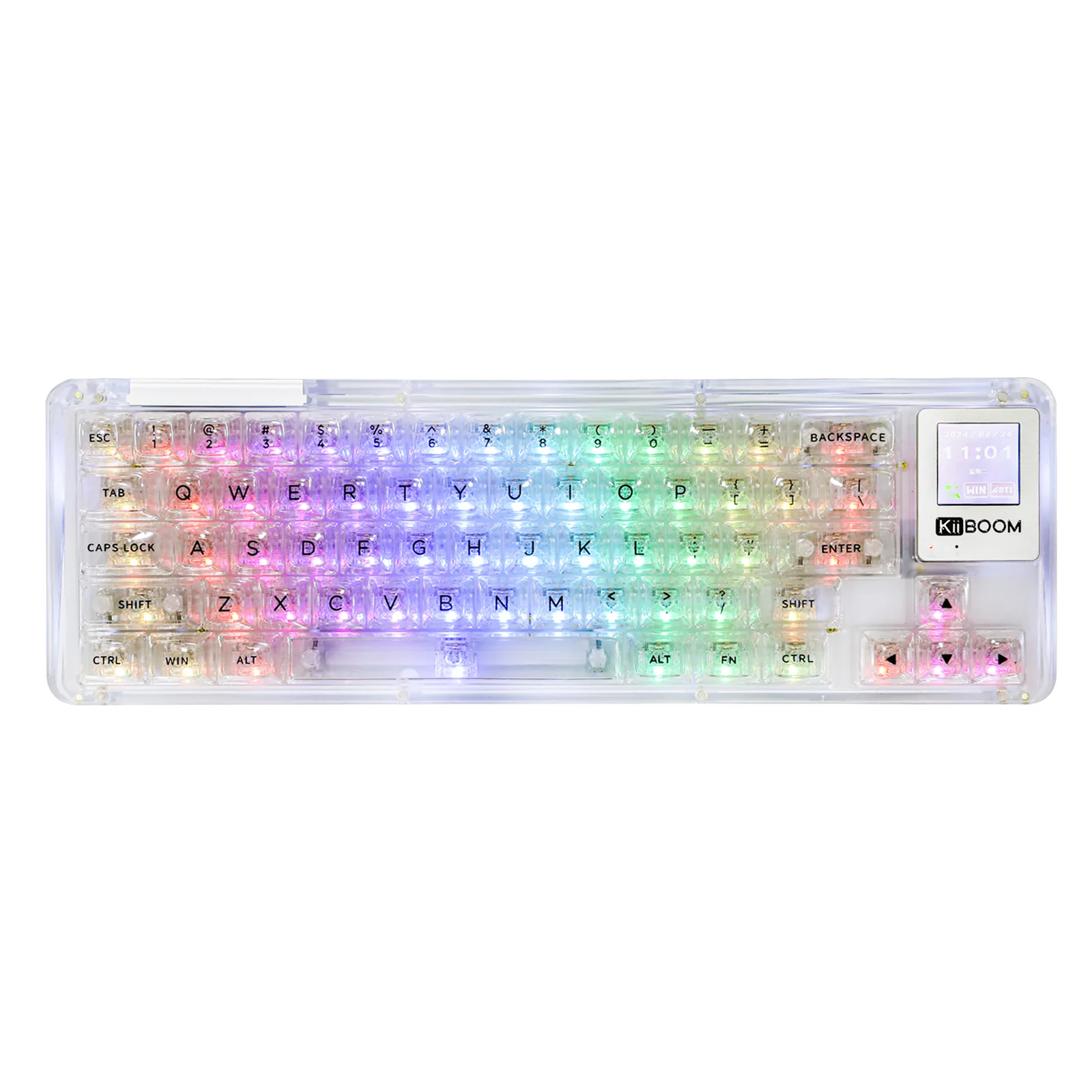
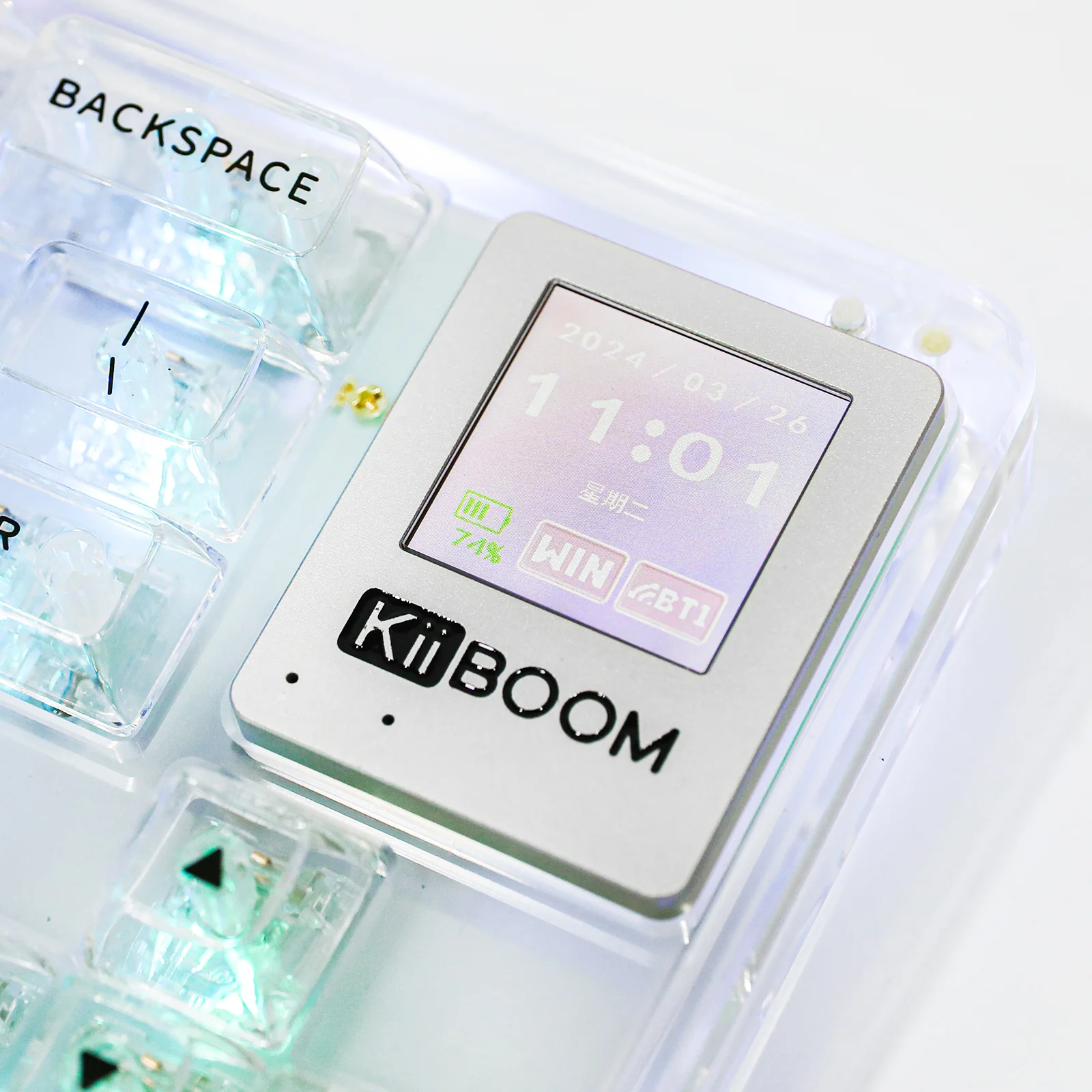
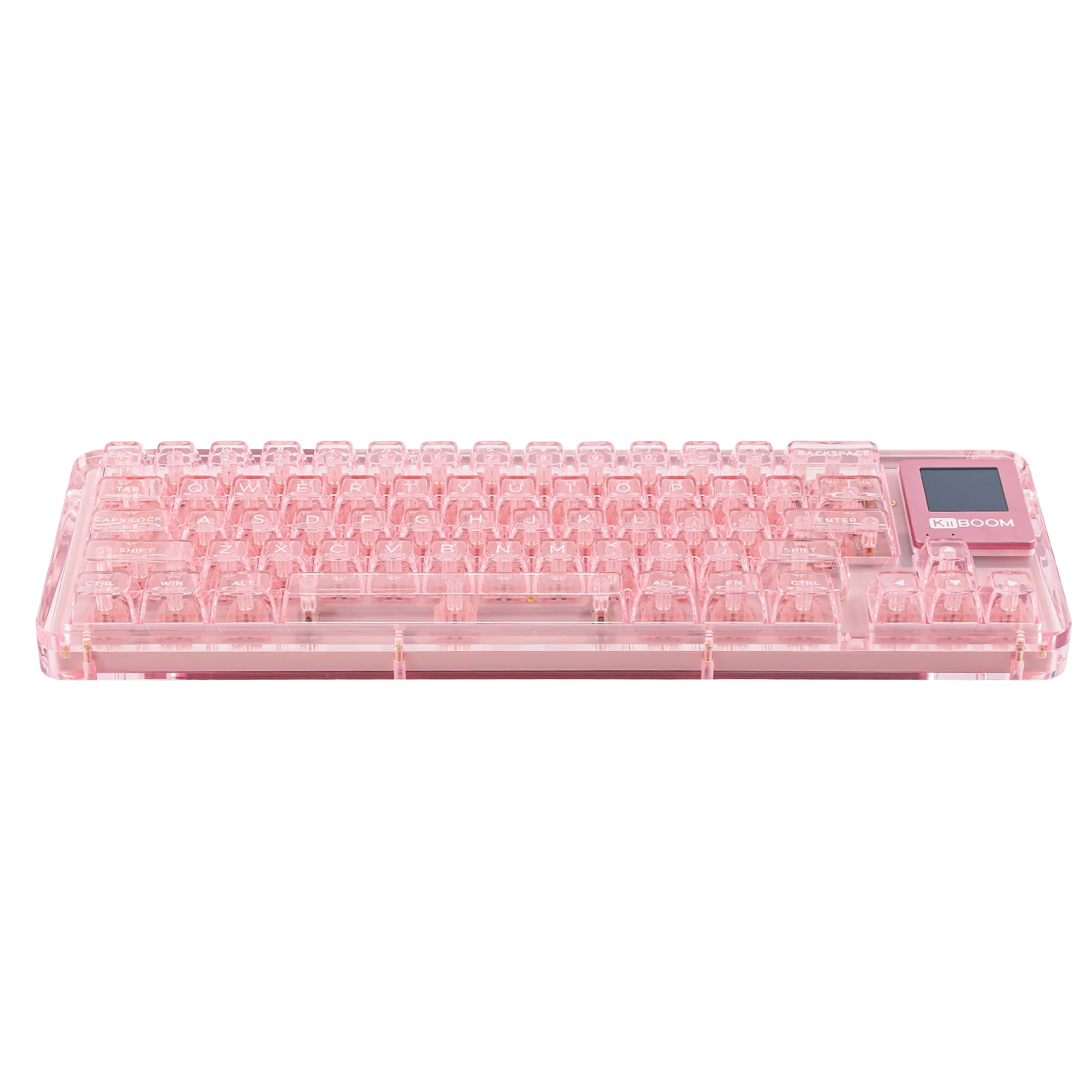
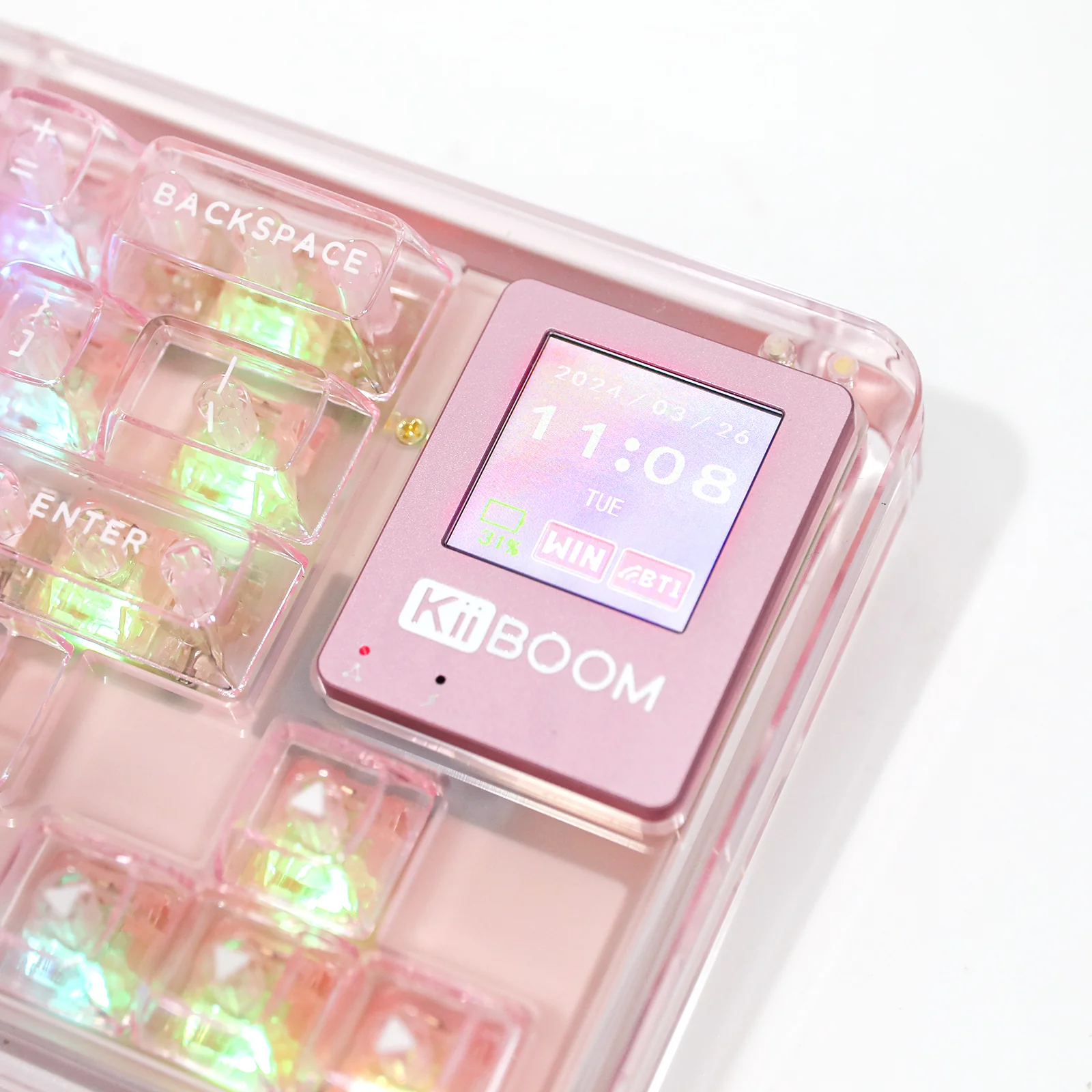
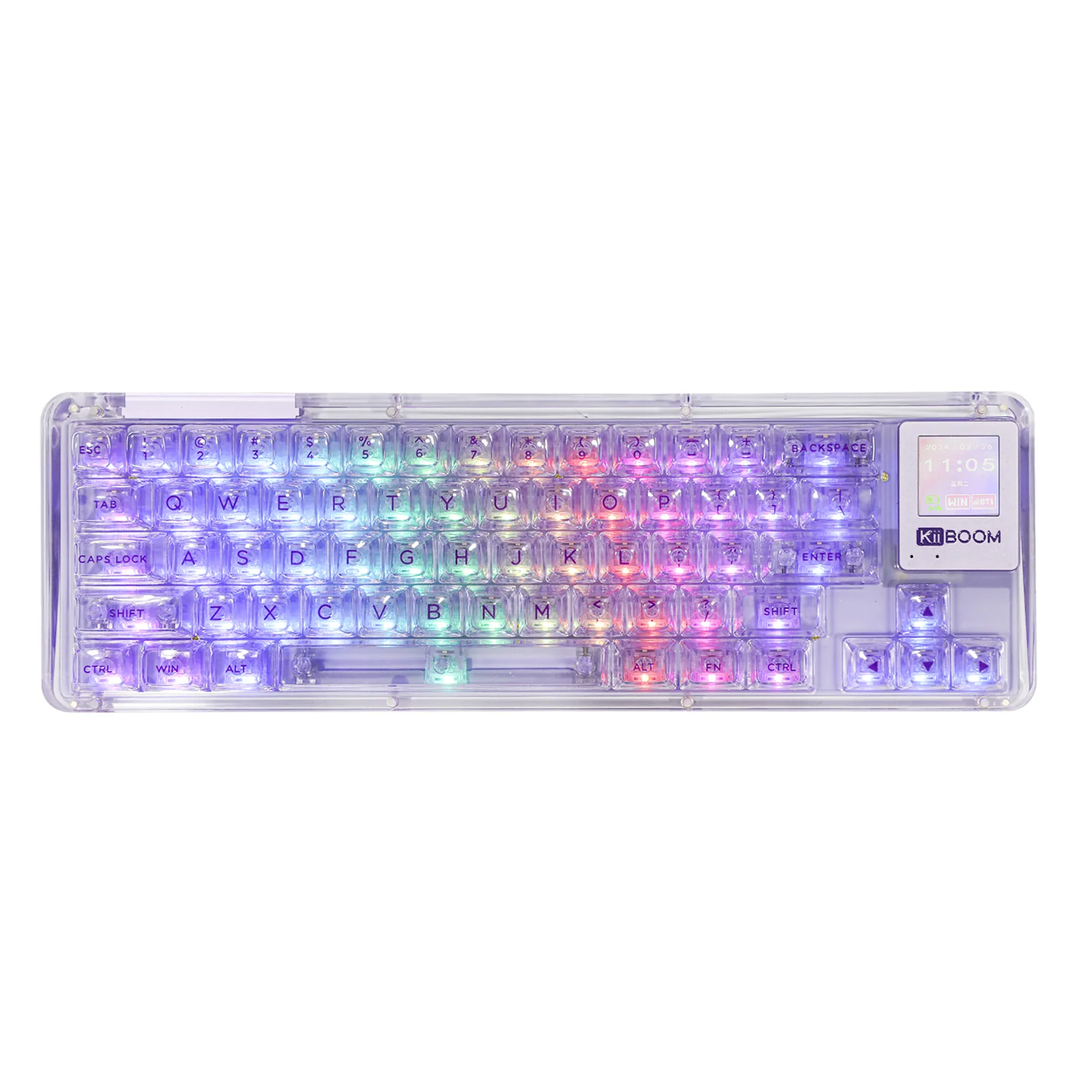
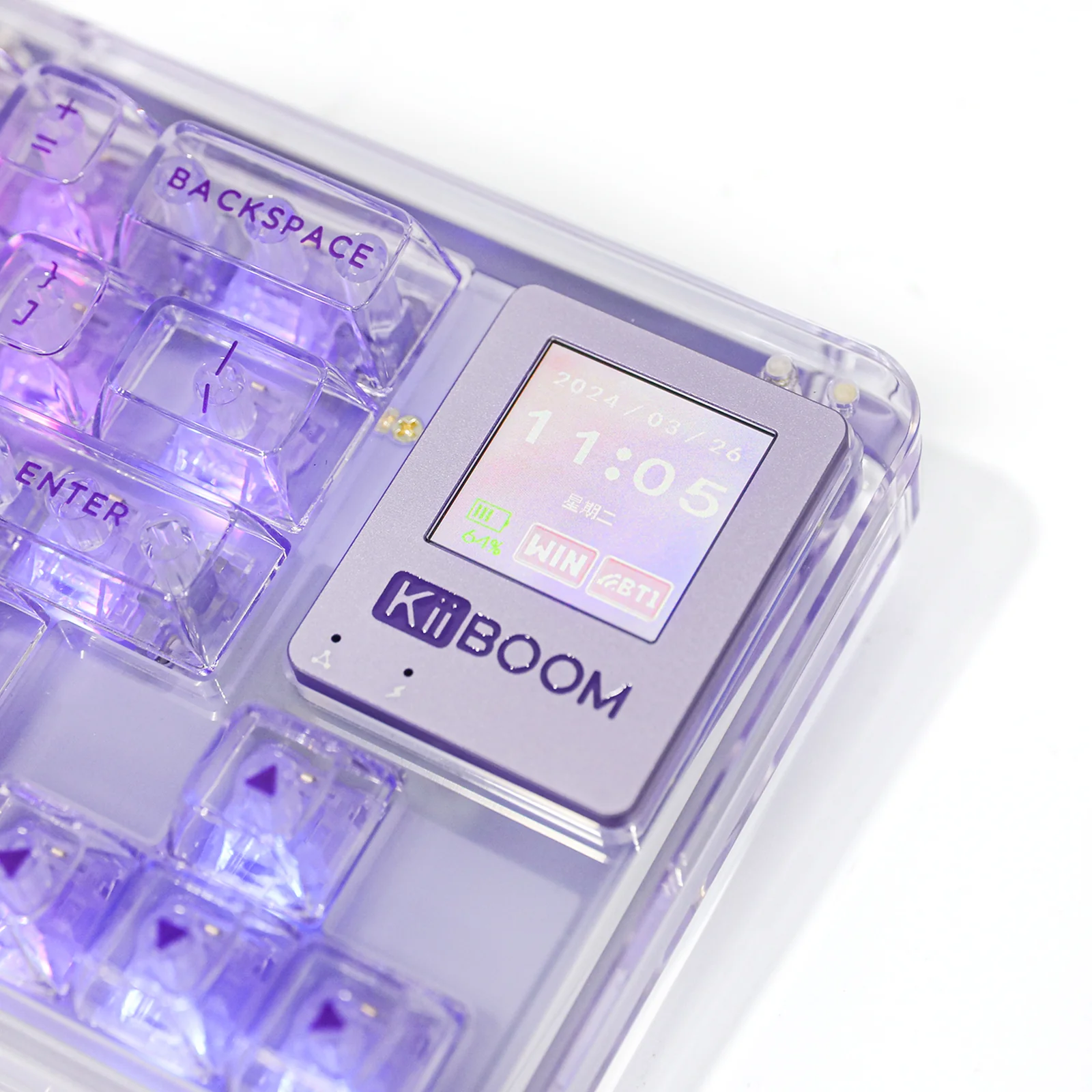
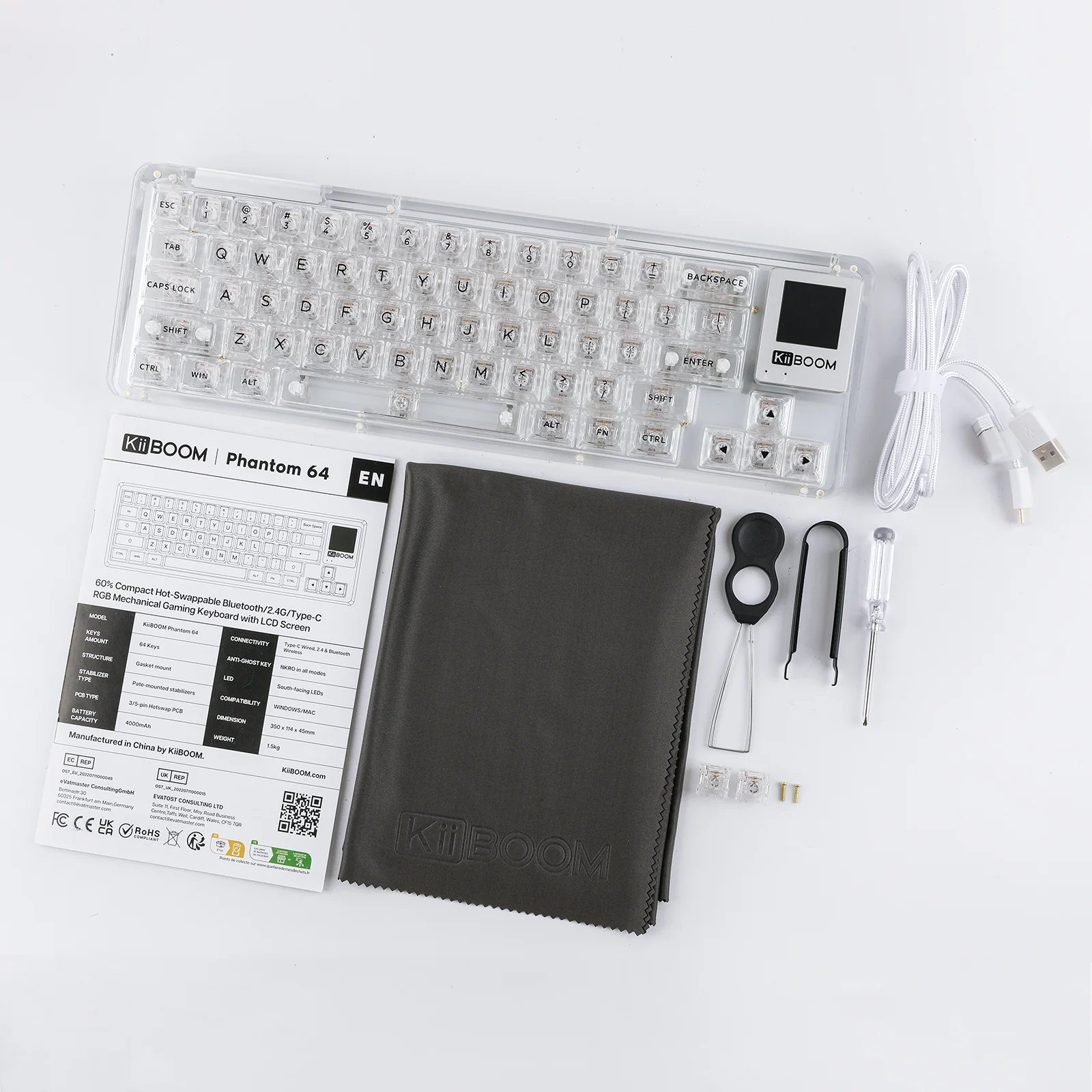
Building on the foundation of the KiiBOOM Phantom 68, the KiiBOOM Phantom 64 adds a 1.54 inch LDC screen above arrow keys which capable of displaying custom GIFs, time, battery level, and Windows/Mac modes, among other functions. This brings convenience to its users. Its 60% layout saves desk space while maintaining functionality.
 Triple Mode Wired/Wireless Connections with 4000mAh Battery
Connect the KiiBOOM Phantom 64 to up to three devices via Bluetooth 5.0, a 2.4GHz USB dongle, or USB Type-C, and switch between devices seamlessly. It is compatible with any device that has Bluetooth, USB, or Type-C connectivity. With a large 4000mAh battery, it ensures extended use without frequent charging.
 Crystal-like Full Acrylic Design with Customizable Per-key RGB Backlight
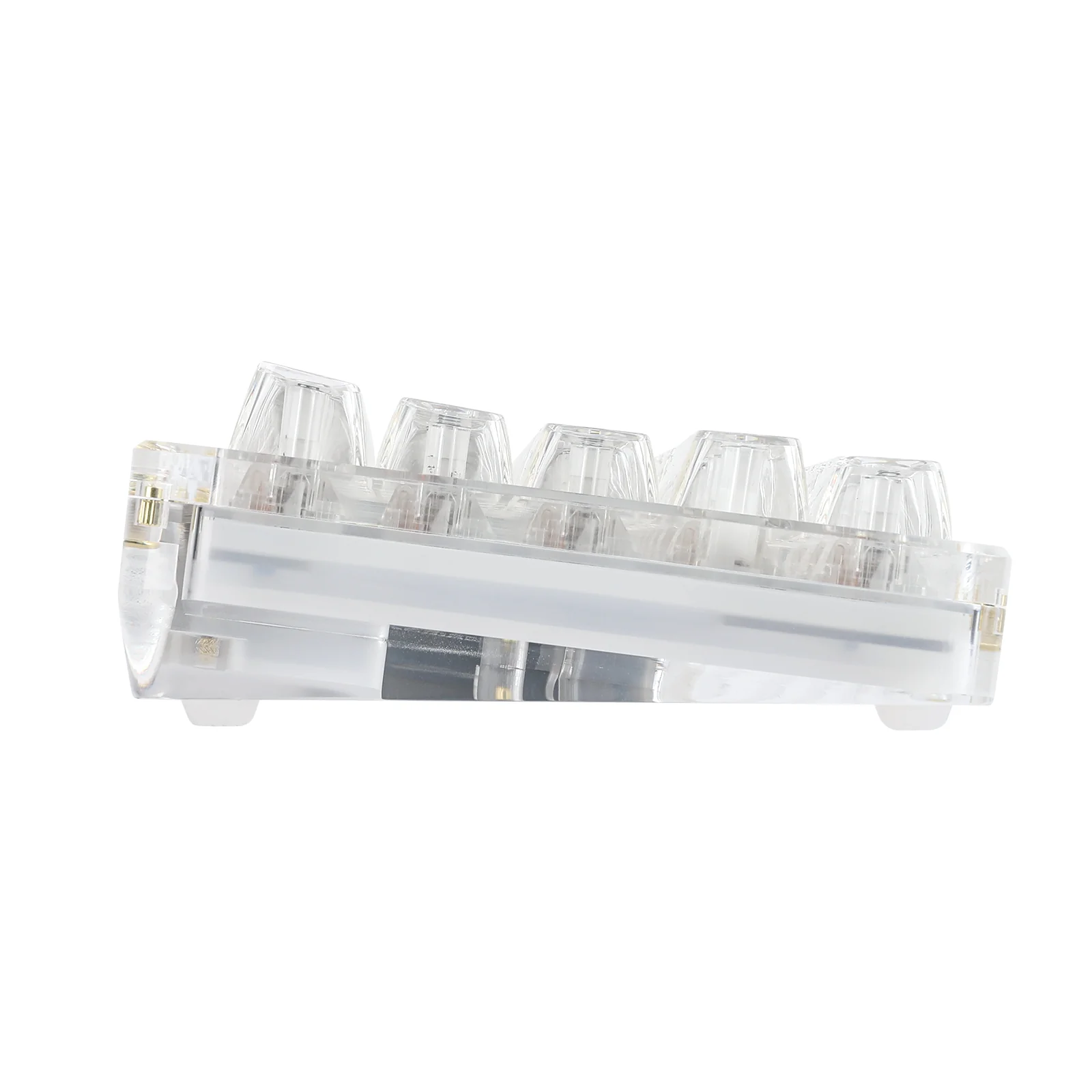
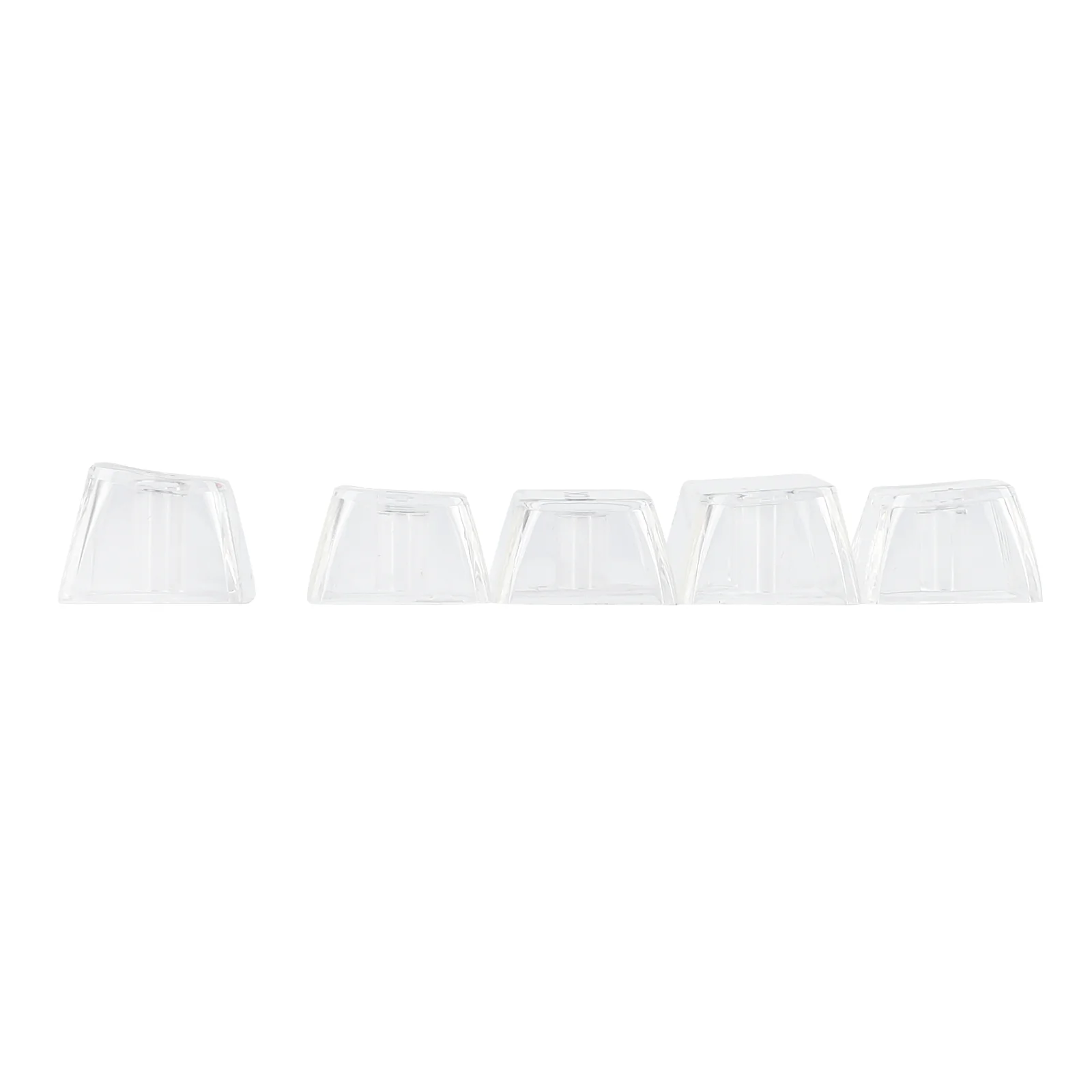
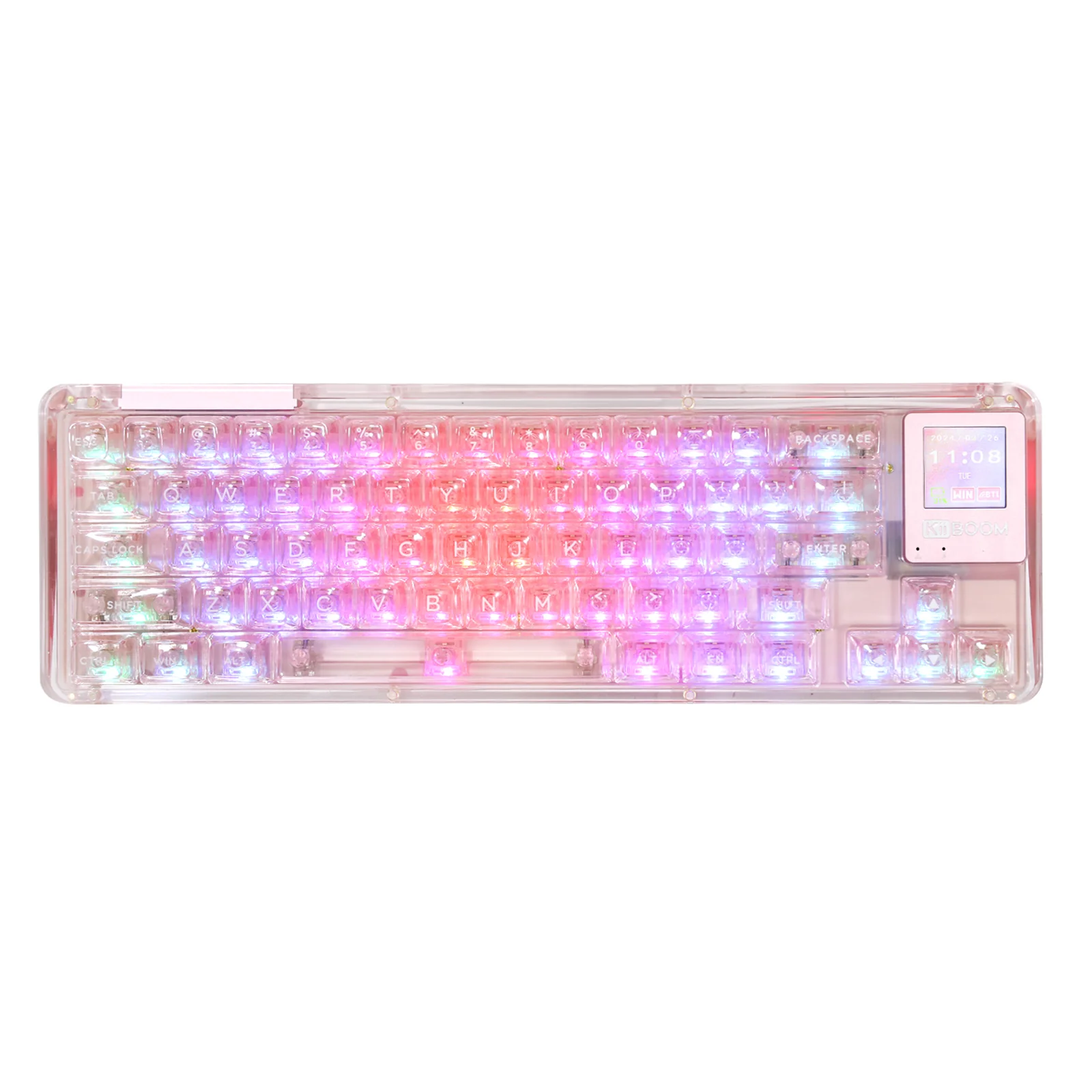
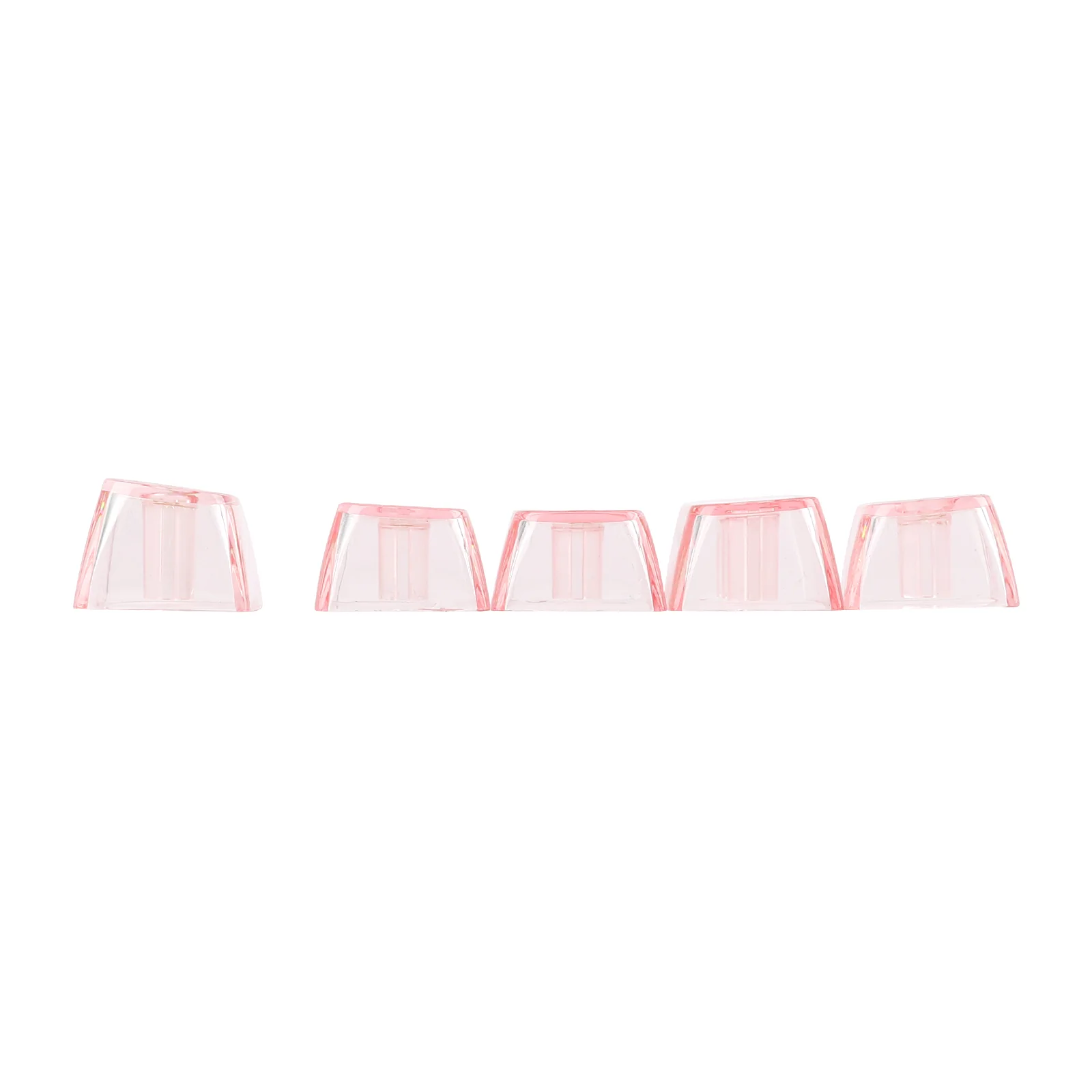
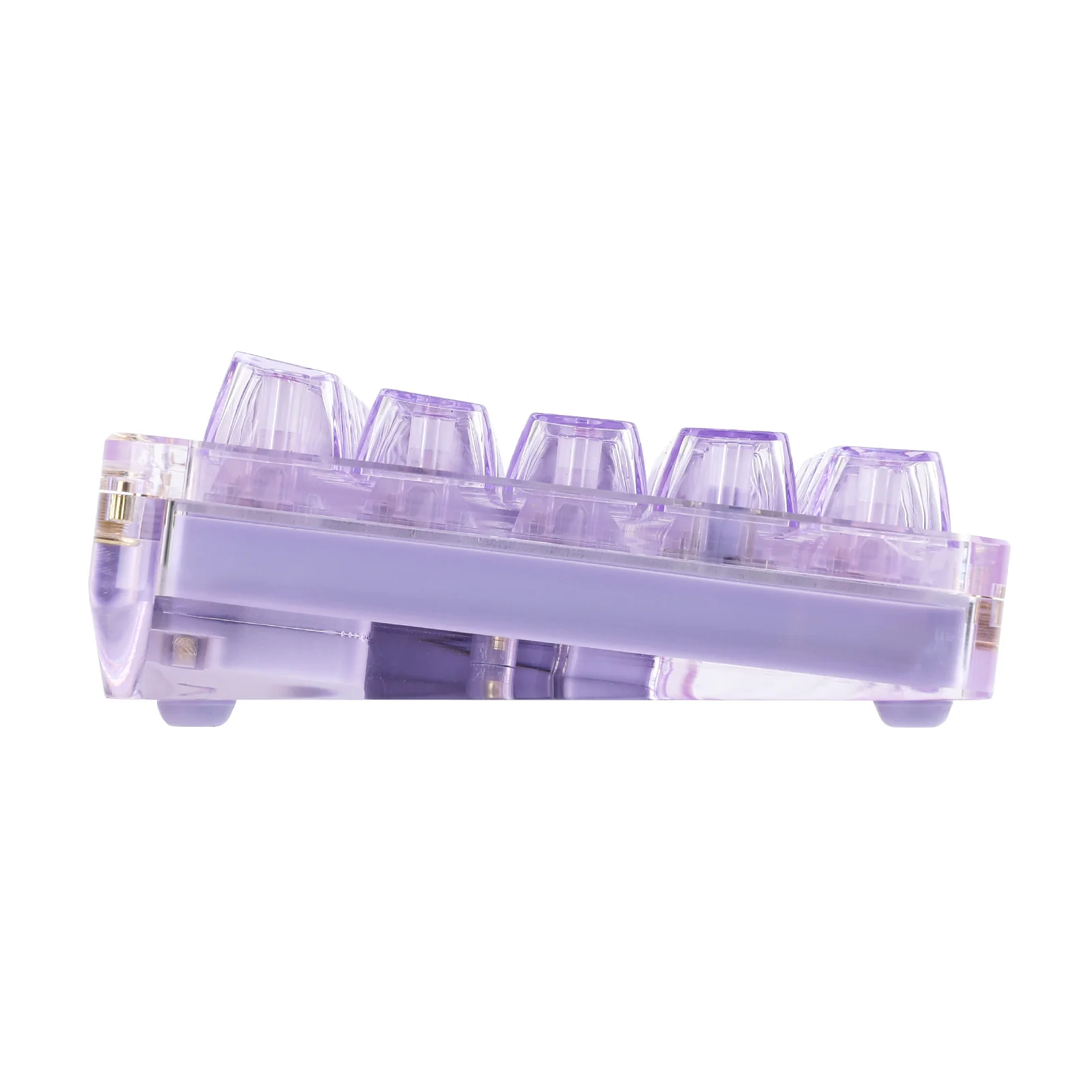
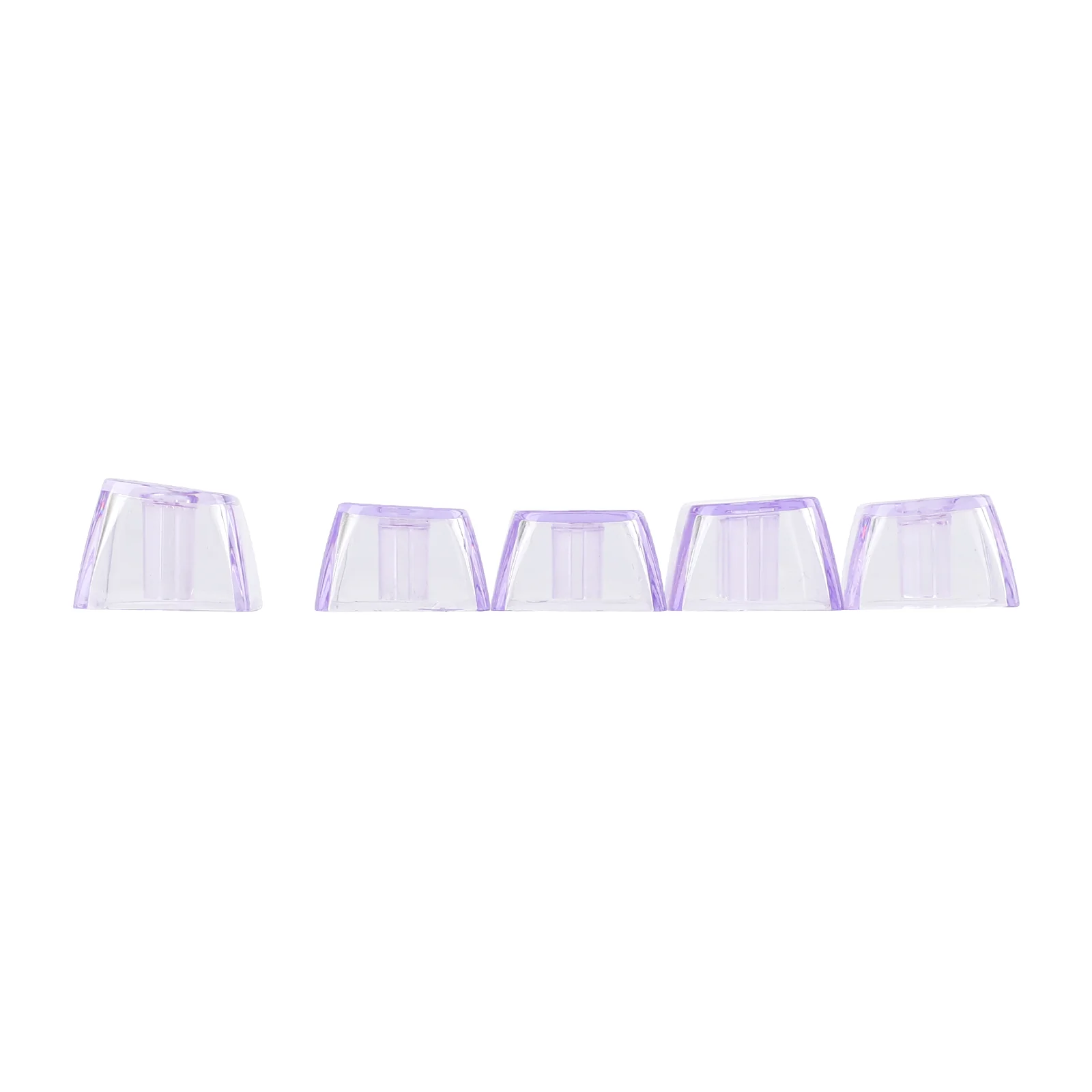
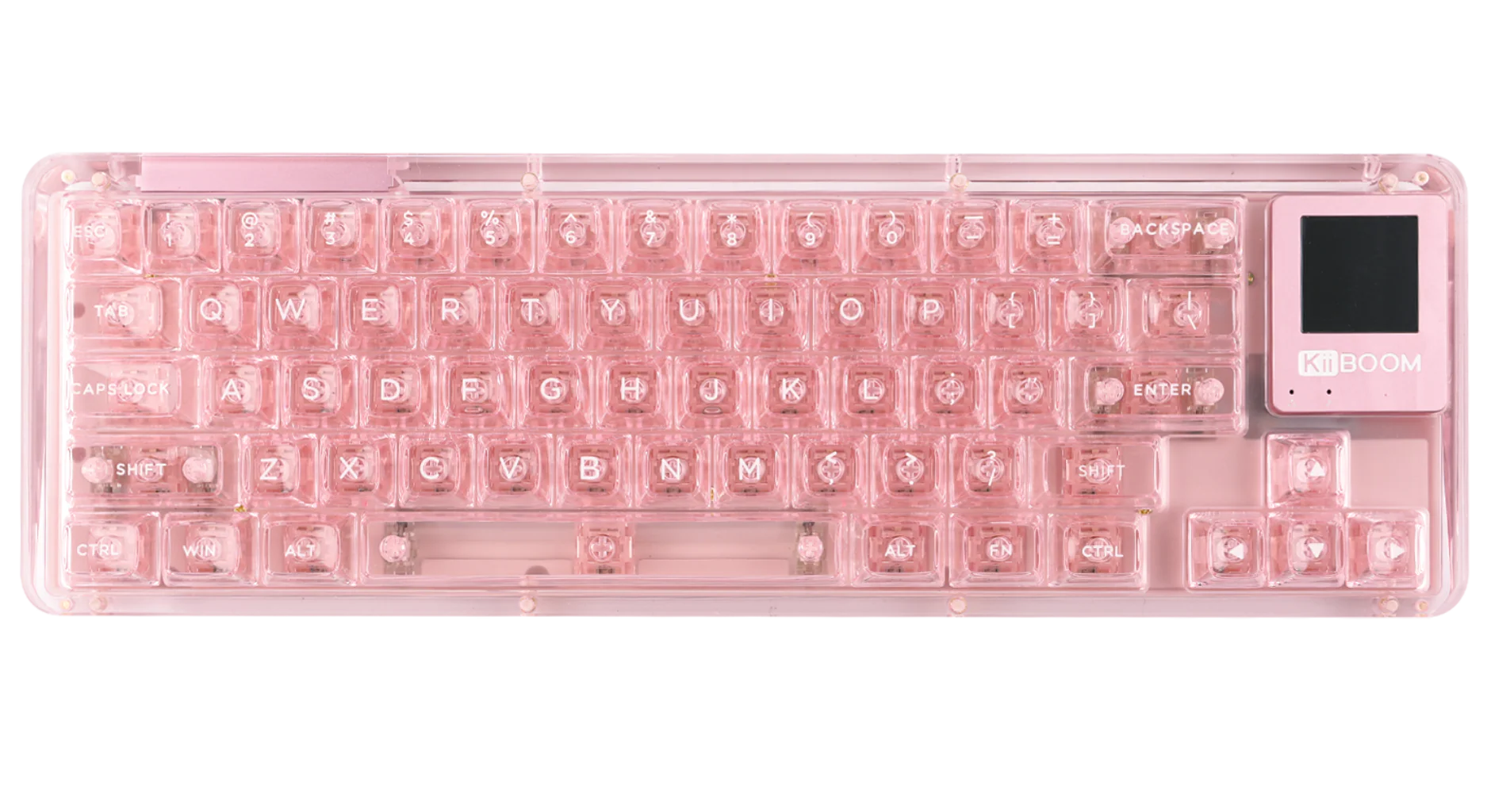
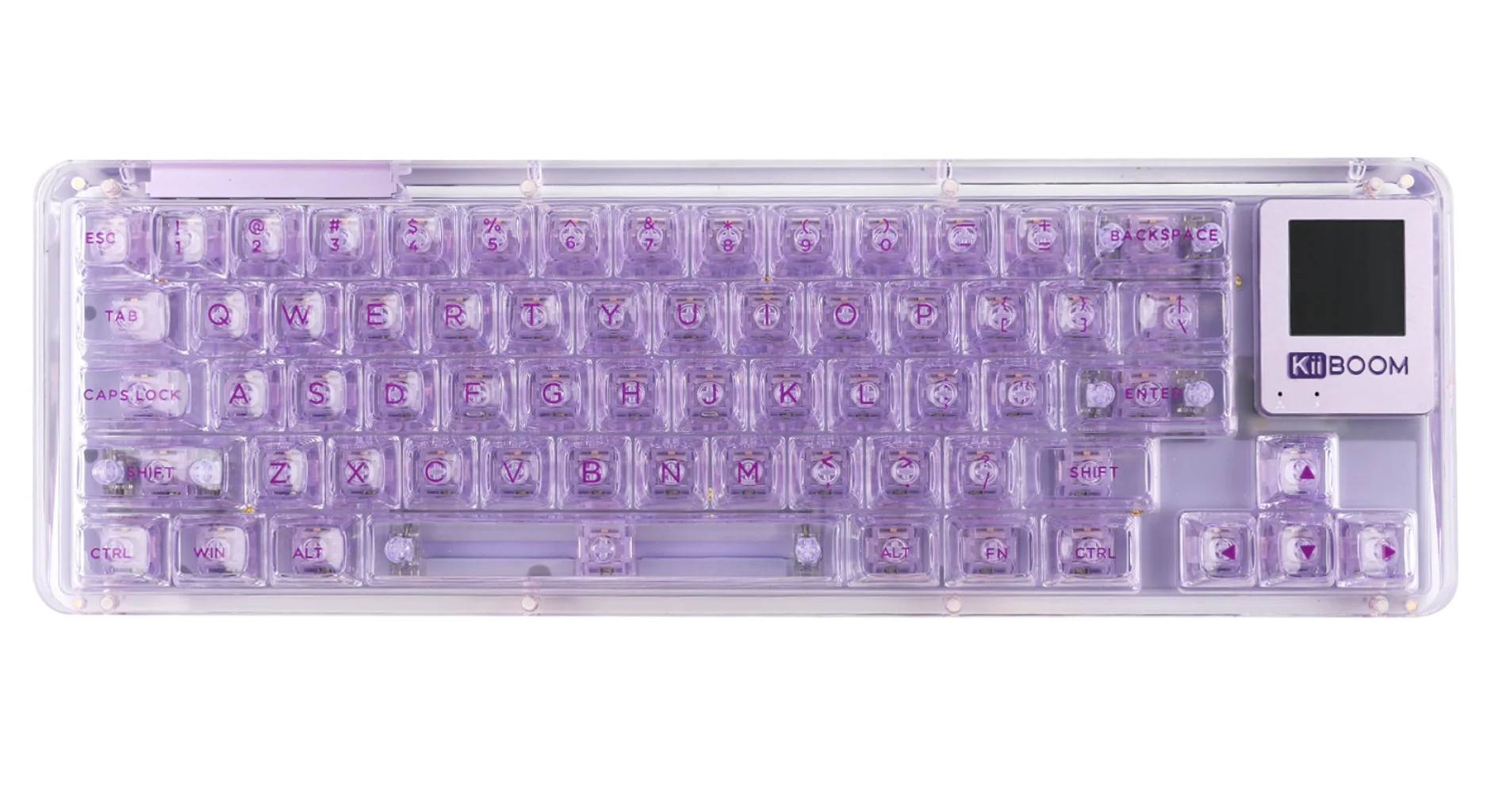
The KiiBOOM Phantom 64 features a transparent acrylic case and SA-like profile keycaps made of PC material, reflecting the KiiBOOM brand's dedication to innovation, quality, and aesthetic appeal. Enhance your keyboard with per-key RGB lighting, offering 16.8 million colors and multiple dynamic patterns to create a visual experience that complements your personality and setup. It is customizable with the KiiBOOM Driver.
 Gasket-mounted Structure with Sound Dampening Foam for Ultimate Typing Experience
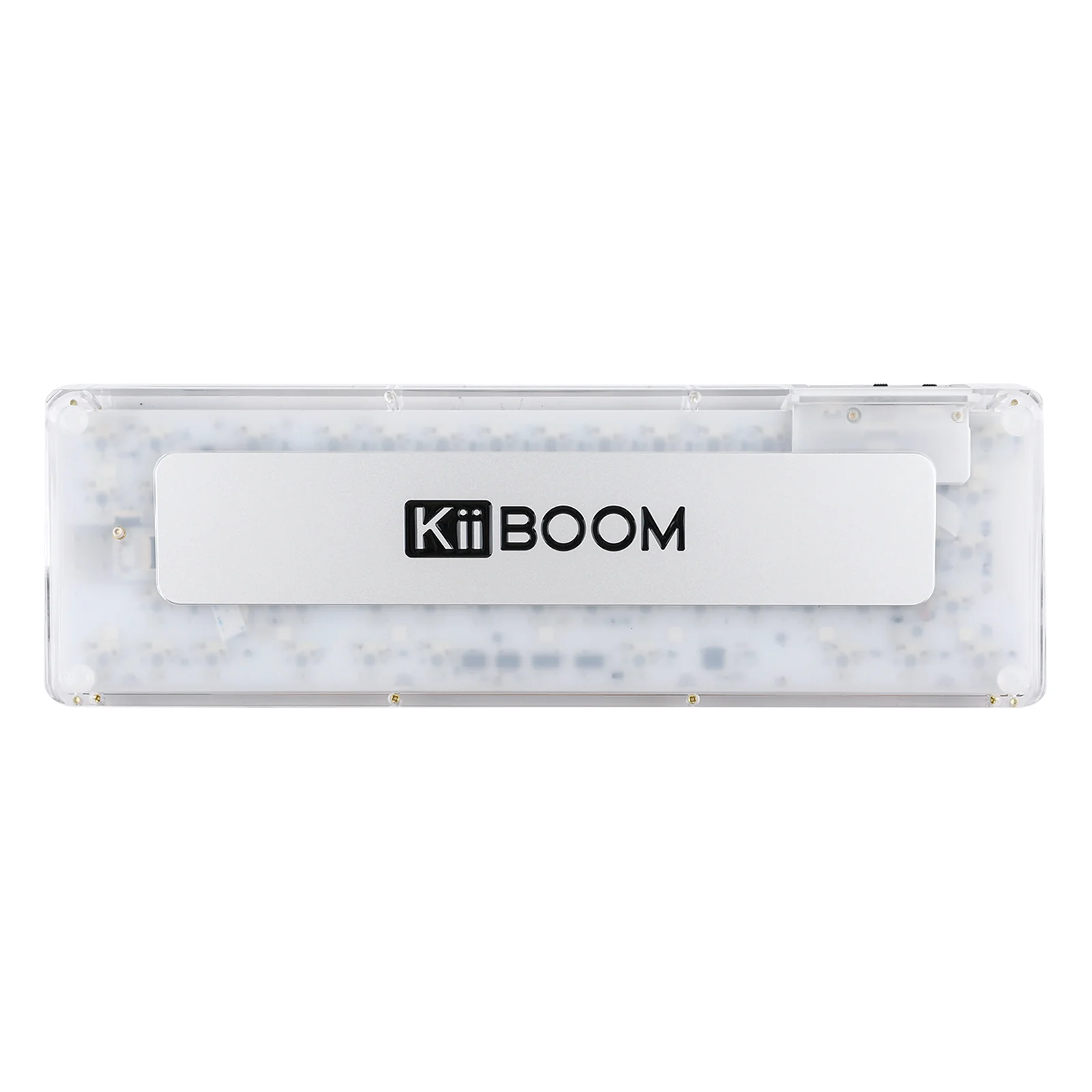
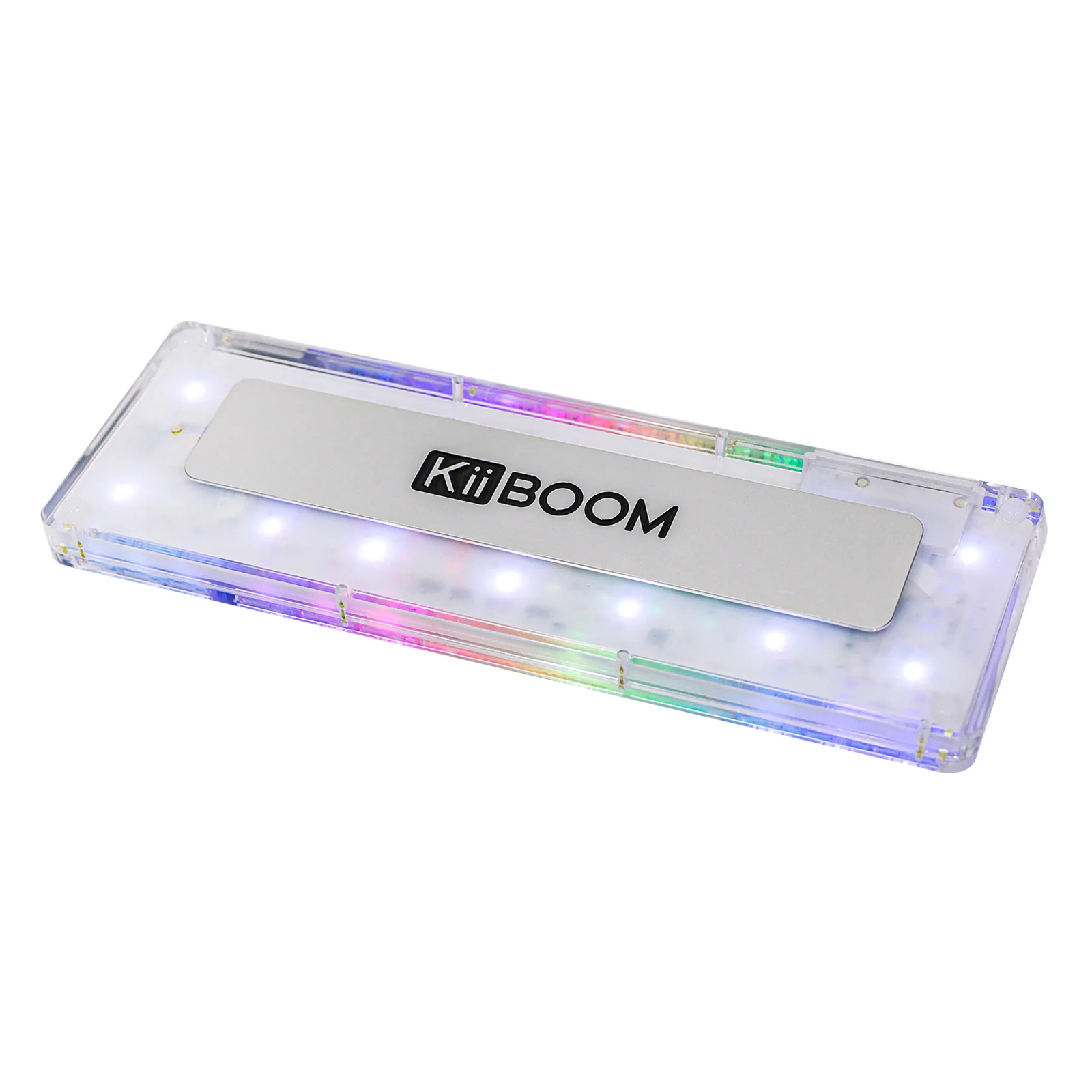
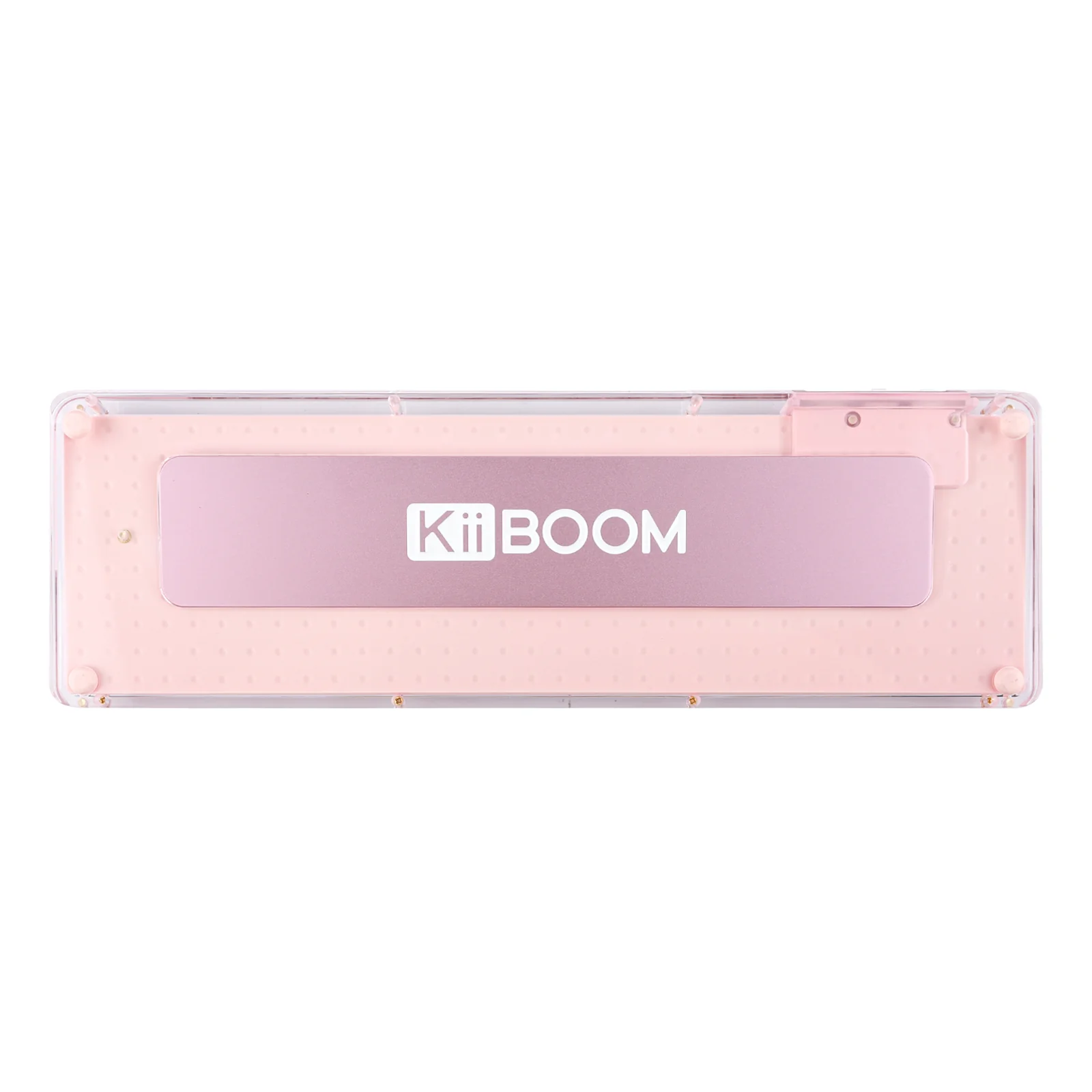
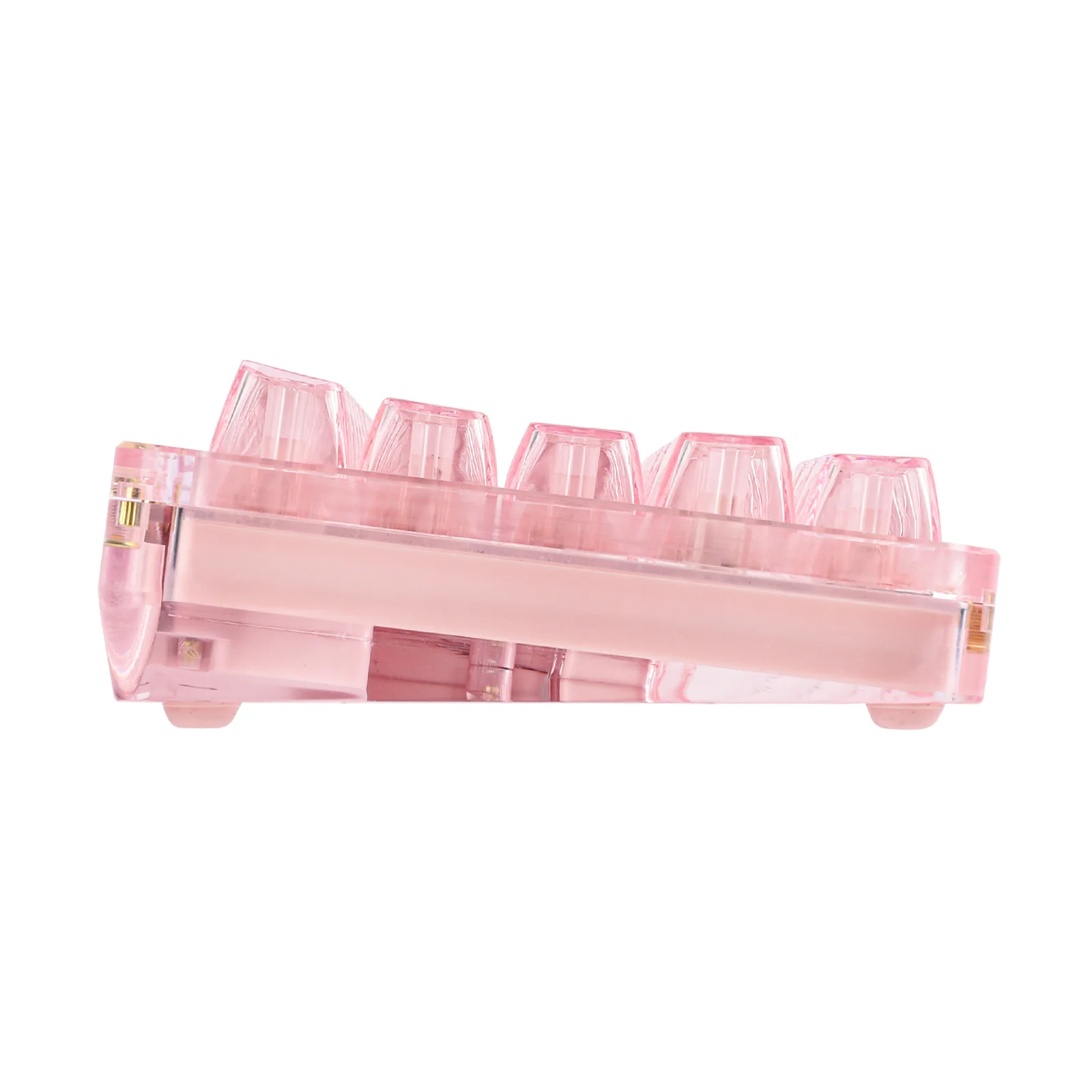
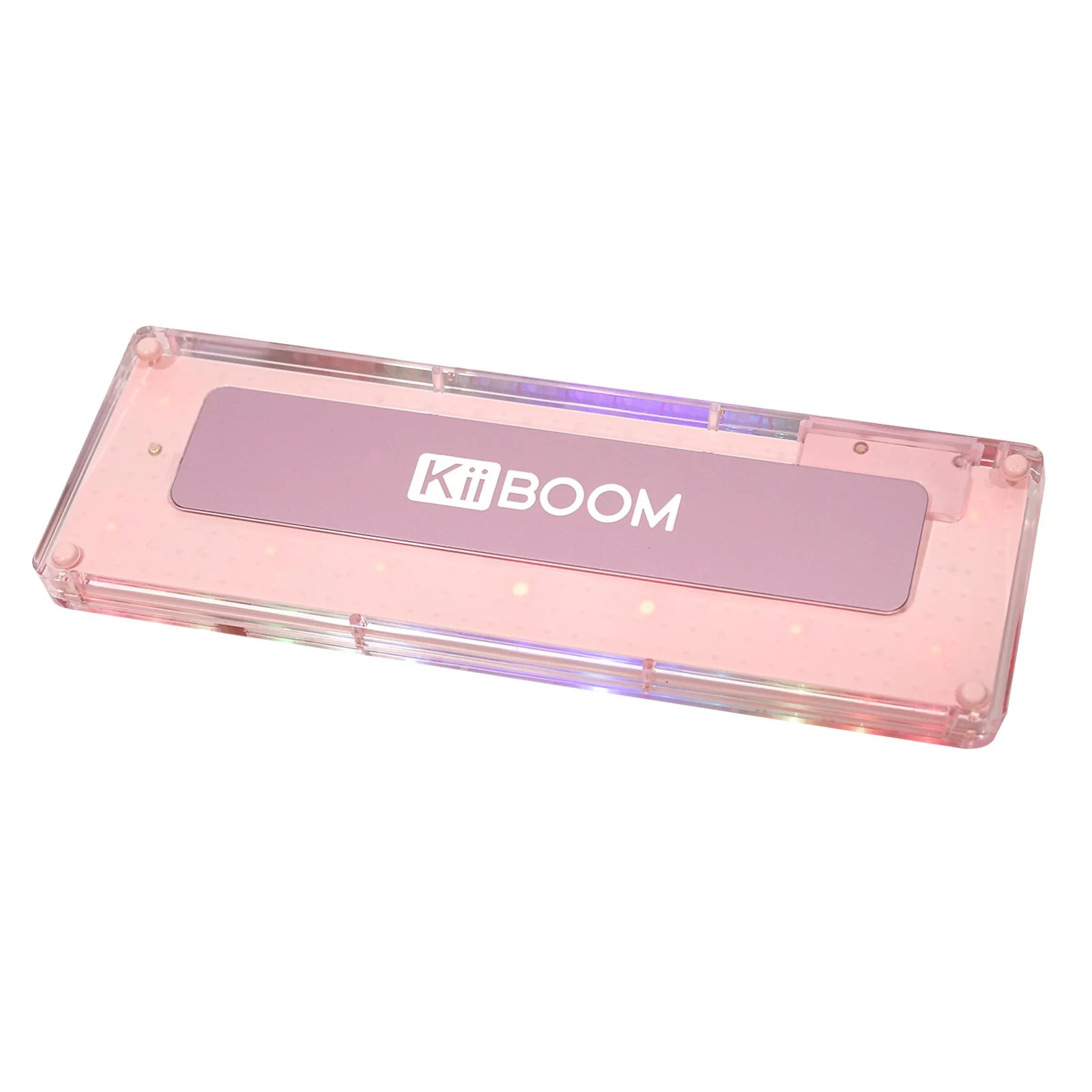
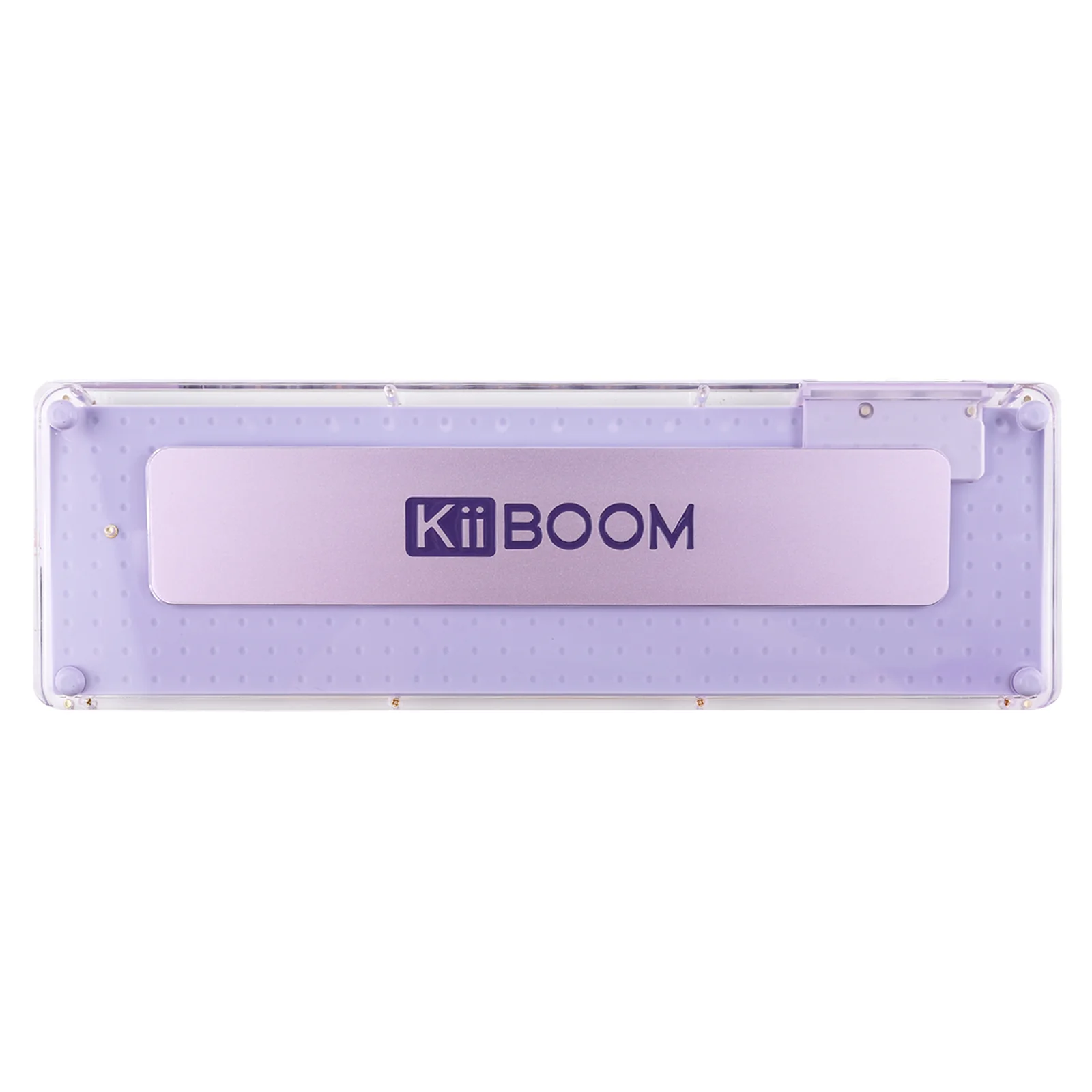
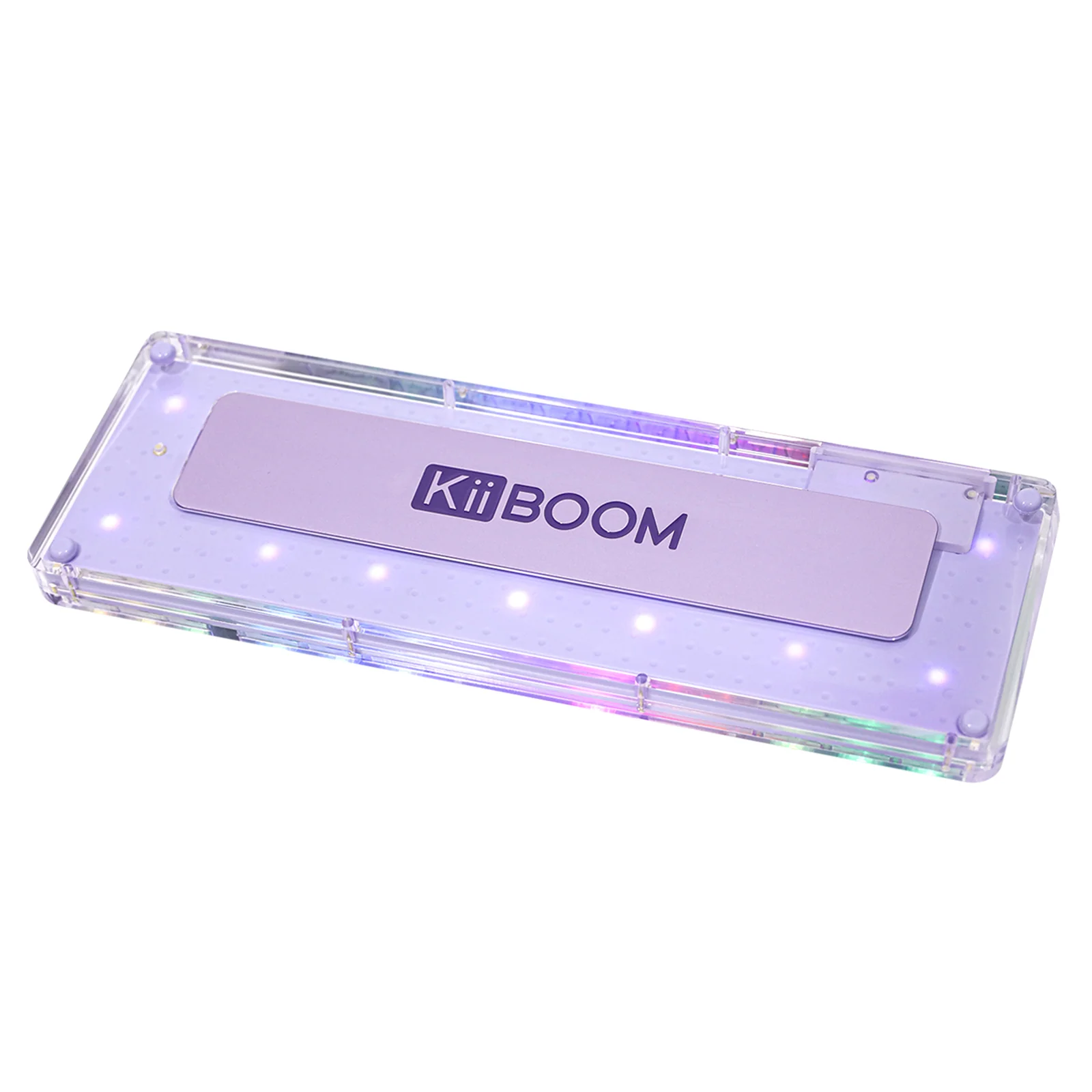
The KiiBOOM Phantom 64 utilizes a gasket-mounted structure, combined with a PC plate, 1.2mm hot-swappable PCB, PET plate foam, silicone plate sleeve, and silicone pad to achieve the best typing sound and feel. Pre-lubed switches and finely tuned plate-mounted stabilizers provide a ready-to-use experience for customers. Additionally, a piece of aluminum alloy weight with the KiiBOOM logo has been added to the back of the keyboard, enhancing its overall aesthetic and contributing to a deeper sound profile.
 Compatible with Windows and Mac Systems
Switching between Windows and Mac systems is made effortless with the KiiBOOM Phantom 64, thanks to a convenient Win/Mac switch located beside the USB interface. This feature ensures a smooth transition between operating systems, catering to a wide range of user preferences and workflows.
Specifications for KiiBOOM Crystal Switch
Switch type: Linear
- Total Travel: 3.60±0.2mm
- Pre Travel: 1.6±0.4mm
- Actuation Force: 55±15gf
- Bottom Force: 60±15gf
- Stem Material: Nylon
- Housing Material: PC
Specifications for KiiBOOM Pink Rose Switch
Switch type: Linear
- Total Travel: 3.80±0.2mm
- Pre Travel: 1.6±0.4mm
- Actuation Force: 38±15gf
- Bottom Force: 42±15gf
- Stem Material: PC
- Housing Material: Translucent PC
Specifications for KiiBOOM Jacaranda Switch
Switch type: Linear
- Total Travel: 3.80±0.2mm
- Pre Travel: 1.6±0.4mm
- Actuation Force: 45±15gf
- Bottom Force: 55±15gf
- Stem Material: PC
- Housing Material: Translucent PC
The correct way to charge the keyboard is to use the USB cable that comes with the keyboard to connect it to a computer to charge the keyboard. Do not connect it to a power source (such as a wall socket, power strip, mobile phone charger, power bank, etc.) to charge the keyboard.
Product Information
Product Information
Shipping & Returns
Shipping & Returns
KiiBOOM Phantom 64
KiiBOOM Phantom 64
Continuing the Legacy of Aesthetics
Building upon the legacy of the Kiiboom Phantom series, the KiiBOOM Phantom 64 transparent acrylic keyboard is a blend of style and performance, tailor-made for gamers, programmers, and creatives. This latest addition maintains the series' renowned aesthetic appeal, seamlessly combining it with cutting-edge functionality. Its clear acrylic design not only showcases the inner workings of the keyboard but also adds a modern, sophisticated look to any setup. With a focus on durability, responsiveness, and a visually striking design, the KiiBOOM Phantom 64 stands out as a premier choice for those who refuse to compromise on either looks or performance.
60% Layout with Multifunctional LCD Screen
Building on the foundation of the KiiBOOM Phantom 68, the KiiBOOM Phantom 64 adds a 1.54 inch LDC screen above arrow keys which capable of displaying custom GIFs, time, battery level, and Windows/Mac modes, among other functions. This brings convenience to its users. Its 60% layout saves desk space while maintaining functionality.
Triple Mode Wired/Wireless Connections with 4000mAh Battery
Connect the KiiBOOM Phantom 64 to up to three devices via Bluetooth 5.0, a 2.4GHz USB dongle, or USB Type-C, and switch between devices seamlessly. It is compatible with any device that has Bluetooth, USB, or Type-C connectivity. With a large 4000mAh battery, it ensures extended use without frequent charging.
Crystal-like Full Acrylic Design with Customizable Per-key RGB Backlight
The KiiBOOM Phantom 64 features a transparent acrylic case and SA-like profile keycaps made of PC material, reflecting the KiiBOOM brand's dedication to innovation, quality, and aesthetic appeal. Enhance your keyboard with per-key RGB lighting, offering 16.8 million colors and multiple dynamic patterns to create a visual experience that complements your personality and setup. It is customizable with the KiiBOOM Driver.
Gasket-mounted Structure with Sound Dampening Foam for Ultimate Typing Experience
The KiiBOOM Phantom 64 utilizes a gasket-mounted structure, combined with a PC plate, 1.2mm hot-swappable PCB, PET plate foam, silicone plate sleeve, and silicone pad to achieve the best typing sound and feel. Pre-lubed switches and finely tuned plate-mounted stabilizers provide a ready-to-use experience for customers. Additionally, a piece of aluminum alloy weight with the KiiBOOM logo has been added to the back of the keyboard, enhancing its overall aesthetic and contributing to a deeper sound profile.
Compatible with Windows and Mac Systems
Switching between Windows and Mac systems is made effortless with the KiiBOOM Phantom 64, thanks to a convenient Win/Mac switch located beside the USB interface. This feature ensures a smooth transition between operating systems, catering to a wide range of user preferences and workflows.
Specifications for KiiBOOM Crystal Switch
Switch type: Linear
- Total Travel: 3.60±0.2mm
- Pre Travel: 1.6±0.4mm
- Actuation Force: 55±15gf
- Bottom Force: 60±15gf
- Stem Material: Nylon
- Housing Material: PC
Specifications for KiiBOOM Pink Rose Switch
Switch type: Linear
- Total Travel: 3.80±0.2mm
- Pre Travel: 1.6±0.4mm
- Actuation Force: 38±15gf
- Bottom Force: 42±15gf
- Stem Material: PC
- Housing Material: Translucent PC
Specifications for KiiBOOM Jacaranda Switch
Switch type: Linear
- Total Travel: 3.80±0.2mm
- Pre Travel: 1.6±0.4mm
- Actuation Force: 45±15gf
- Bottom Force: 55±15gf
- Stem Material: PC
- Housing Material: Translucent PC
The correct way to charge the keyboard is to use the USB cable that comes with the keyboard to connect it to a computer to charge the keyboard. Do not connect it to a power source (such as a wall socket, power strip, mobile phone charger, power bank, etc.) to charge the keyboard.
Original: $199.00
-70%$199.00
$59.70Product Information
Product Information
Shipping & Returns
Shipping & Returns
Description
Continuing the Legacy of Aesthetics
Building upon the legacy of the Kiiboom Phantom series, the KiiBOOM Phantom 64 transparent acrylic keyboard is a blend of style and performance, tailor-made for gamers, programmers, and creatives. This latest addition maintains the series' renowned aesthetic appeal, seamlessly combining it with cutting-edge functionality. Its clear acrylic design not only showcases the inner workings of the keyboard but also adds a modern, sophisticated look to any setup. With a focus on durability, responsiveness, and a visually striking design, the KiiBOOM Phantom 64 stands out as a premier choice for those who refuse to compromise on either looks or performance.
60% Layout with Multifunctional LCD Screen
Building on the foundation of the KiiBOOM Phantom 68, the KiiBOOM Phantom 64 adds a 1.54 inch LDC screen above arrow keys which capable of displaying custom GIFs, time, battery level, and Windows/Mac modes, among other functions. This brings convenience to its users. Its 60% layout saves desk space while maintaining functionality.
Triple Mode Wired/Wireless Connections with 4000mAh Battery
Connect the KiiBOOM Phantom 64 to up to three devices via Bluetooth 5.0, a 2.4GHz USB dongle, or USB Type-C, and switch between devices seamlessly. It is compatible with any device that has Bluetooth, USB, or Type-C connectivity. With a large 4000mAh battery, it ensures extended use without frequent charging.
Crystal-like Full Acrylic Design with Customizable Per-key RGB Backlight
The KiiBOOM Phantom 64 features a transparent acrylic case and SA-like profile keycaps made of PC material, reflecting the KiiBOOM brand's dedication to innovation, quality, and aesthetic appeal. Enhance your keyboard with per-key RGB lighting, offering 16.8 million colors and multiple dynamic patterns to create a visual experience that complements your personality and setup. It is customizable with the KiiBOOM Driver.
Gasket-mounted Structure with Sound Dampening Foam for Ultimate Typing Experience
The KiiBOOM Phantom 64 utilizes a gasket-mounted structure, combined with a PC plate, 1.2mm hot-swappable PCB, PET plate foam, silicone plate sleeve, and silicone pad to achieve the best typing sound and feel. Pre-lubed switches and finely tuned plate-mounted stabilizers provide a ready-to-use experience for customers. Additionally, a piece of aluminum alloy weight with the KiiBOOM logo has been added to the back of the keyboard, enhancing its overall aesthetic and contributing to a deeper sound profile.
Compatible with Windows and Mac Systems
Switching between Windows and Mac systems is made effortless with the KiiBOOM Phantom 64, thanks to a convenient Win/Mac switch located beside the USB interface. This feature ensures a smooth transition between operating systems, catering to a wide range of user preferences and workflows.
Specifications for KiiBOOM Crystal Switch
Switch type: Linear
- Total Travel: 3.60±0.2mm
- Pre Travel: 1.6±0.4mm
- Actuation Force: 55±15gf
- Bottom Force: 60±15gf
- Stem Material: Nylon
- Housing Material: PC
Specifications for KiiBOOM Pink Rose Switch
Switch type: Linear
- Total Travel: 3.80±0.2mm
- Pre Travel: 1.6±0.4mm
- Actuation Force: 38±15gf
- Bottom Force: 42±15gf
- Stem Material: PC
- Housing Material: Translucent PC
Specifications for KiiBOOM Jacaranda Switch
Switch type: Linear
- Total Travel: 3.80±0.2mm
- Pre Travel: 1.6±0.4mm
- Actuation Force: 45±15gf
- Bottom Force: 55±15gf
- Stem Material: PC
- Housing Material: Translucent PC
The correct way to charge the keyboard is to use the USB cable that comes with the keyboard to connect it to a computer to charge the keyboard. Do not connect it to a power source (such as a wall socket, power strip, mobile phone charger, power bank, etc.) to charge the keyboard.